www.it-connect.fr
Microsoft Tier Model: Is On-Premises Making a Comeback?
Review Microsoft’s Tier Model for Active Directory, its strengths, limits, and how it compares with HardenAD. Learn what to fix before rollout.
Read the post
Review Microsoft’s Tier Model for Active Directory, its strengths, limits, and how it compares with HardenAD. Learn what to fix before rollout.
Read the postLearn how Point-in-time Restore works on Windows 11, enable it, launch a rollback, and understand the key limits before deploying.
Read the postLearn what Windows GDID is, why it appears, and how to block it with DNS or services without fully breaking Microsoft account access.
Read the postAudit Active Directory LAPS delegations, spot risky ACLs on computer objects, and secure passwords. Learn how to detect and fix the issue.
Read the postLearn how to enable DNS-over-HTTPS on Windows Server 2025 DNS Server and verify encrypted DNS traffic with Wireshark.
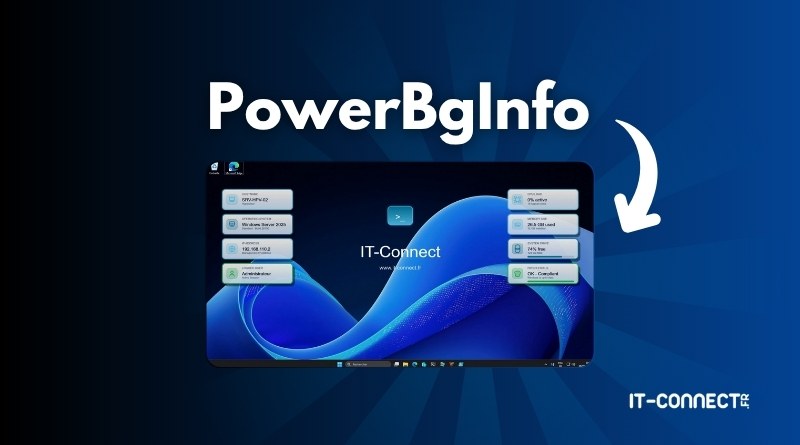
Read the postLearn how to deploy PowerBgInfo with PowerShell to display system data on Windows Server wallpapers and automate updates with GPO.
Read the postLearn how to use WinGet on Windows to search, install, uninstall, export, import, and update apps from the command line.
Read the postLearn how to mitigate the YellowKey Windows zero-day that bypasses BitLocker with Microsoft’s official steps and PIN-based protections.
Read the postLearn how to upgrade Windows Server 2019 or 2022 to Windows Server 2025 via Windows Update, with prerequisites and key steps.
Read the postLearn how to upgrade Windows Server 2019 to 2022 in place, keep data and settings, and avoid common compatibility pitfalls.
Read the postLearn how to configure a GPO to disable Wi‑Fi automatically when Ethernet is plugged in and avoid dual-network issues on Windows.
Read the postLearn how to use repadmin to diagnose Active Directory replication, inspect metadata, force syncs, and verify domain controller health.
Read the postLearn how to deploy Windows network locations with GPO, store shortcuts in user profiles, and target users with item-level targeting.
Read the postDetect and block brute force attacks on Windows Server with PowerShell scripts. Learn how to analyze logs, spot suspicious IPs, and automate blocking.
Read the postLearn how to install Ollama and Open WebUI on Windows 11 or Windows Server 2025 to run LLM models like DeepSeek and Gemma locally on your PC.
Read the post