www.it-connect.fr

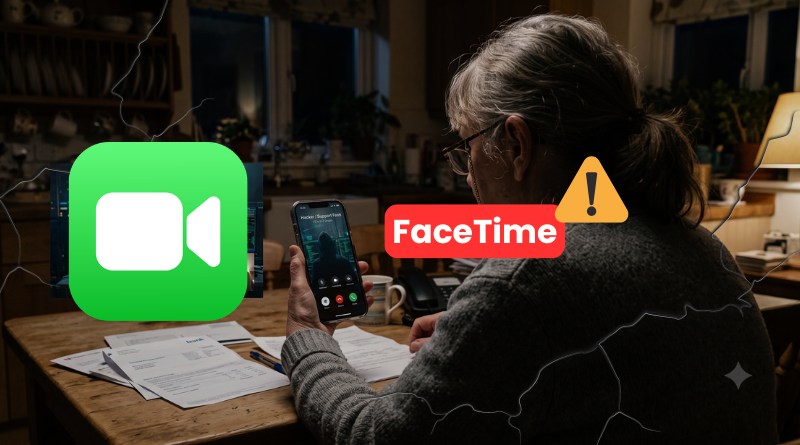
This FaceTime Scam Can Drain Your Bank Account Live
A FaceTime video call that appears to come from your bank or Apple—and just like that, a hacker is siphoning off your banking credentials in real time. Documented by Malwarebytes researchers, this scam relies on the trust we place in a visible face on our screen. Here’s how this scheme works, built on social engineering and Apple video calls.
From SMS to video call: a well-rehearsed scenario
The principle is nothing new, but what is new is the communication channel used by the cybercriminals. Instead of relying on a suspicious email or a simple text message, the scammers brazenly make a video call with their victim. A live exchange, with a logo and a name that inspire confidence, can be more convincing than SMS.
So how does this attack unfold? First, the victim receives an alert message about suspicious activity on their bank account or card, and this message invites them to call a number back. In other cases, the scammer calls the victim directly, claiming that an additional verification step is required. That is when the audio call switches to FaceTime.
Once on video, the victim is asked to share their screen while logging into their online bank. The hacker can then observe everything the victim does in real time and can also see everything displayed on screen: password, account number, one-time code, etc....
Why FaceTime? It may not be a coincidence. According to Apple, FaceTime has an excellent reputation: the app is perceived as a reliable and secure service. That reassures users and lowers their guard, especially when a real person appears on the screen.
The same tactic is also used to impersonate Apple Support, fake technical support teams, or even public agencies. The method remains broadly the same: unsolicited contact, a sense of urgency, and pressure to act before there is time to verify anything. This shift by attackers toward voice and video extends a trend already observed, with the explosion of social engineering and vishing at the expense of malware.
"If you receive a suspicious FaceTime call (for example, apparently from a bank or financial institution), email a screenshot of the call information to reportfacetimefraud@apple.com.", Apple notes on its website.
No malware involved in this scam
An important point highlighted by Malwarebytes: this first step does not require any malware. As researcher Pieter Arntz explains, "nothing in this process requires malware on the device". The real lever is exploiting human trust, especially since a live call seems more legitimate than a simple message.
However, even if there is no malware at first, the risk is higher on devices that are not up to date. Credentials captured during the call provide access to accounts, but a user redirected to a malicious site can also allow a hacker to exploit a browser-side flaw and execute code on an unpatched iPhone. The attacker may then hope to gain broader control of the device.
"By chaining these attacks, the attacker can move from application-level compromise to full system control. That is how campaigns such as DarkSword work.", Malwarebytes explains in its report.
Finally, let’s end by recalling Apple’s and Malwarebytes’ recommendations for this type of scam. These are basic principles that are always worth repeating.
- Do not call back the number shown in a suspicious text message; instead, dial the number printed on the back of your bank card.
- Be wary of any sense of urgency, which remains a classic red flag.
- Keep your iPhone or iPad up to date via Settings > General > Software Update.
- Report fraudulent calls to Apple by sending a screenshot of the call details to
reportfacetimefraud@apple.com.
In short: never share your screen with someone who calls out of the blue, and never share sensitive information during an unsolicited contact.