www.it-connect.fr

MS Icons: A Practical Resource for Microsoft Architecture Diagrams
Struggling to find Microsoft product and service icons for your diagrams, documentation, or presentations? Here’s a resource that should make your day-to-day work easier: msicons.com. It’s a free icon library featuring more than 2,400 assets.
A community project started by a MVP
This icon library, available at msicons.com, helps you find, preview, and download the icons you need for your diagrams, documentation, and presentations built around Microsoft solutions.
This website is not a Microsoft initiative. It is a personal project developed by Daniel Bradley, a Microsoft MVP. The author also notes that the listed icons remain the property of Microsoft and are subject to their respective terms of use.
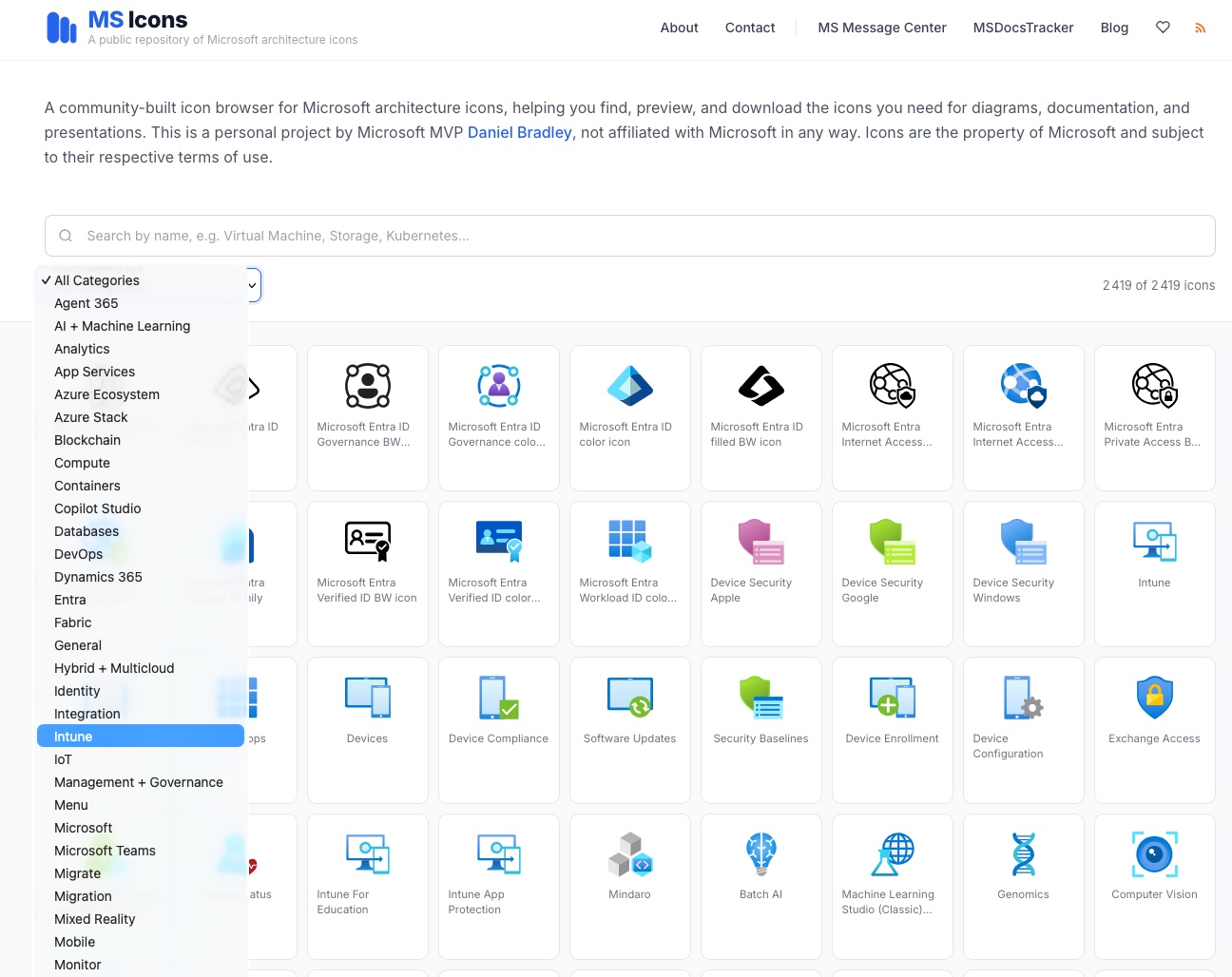
A catalog of more than 2,400 icons organized by category
MS Icons stands out for the depth of its library: it currently contains a total of 2,419 icons. The interface includes a search field that lets you find an item by name or keyword. You can also filter by several technical categories, such as: Azure Ecosystem, Containers, DevOps, Entra, Intune, and Microsoft Teams.
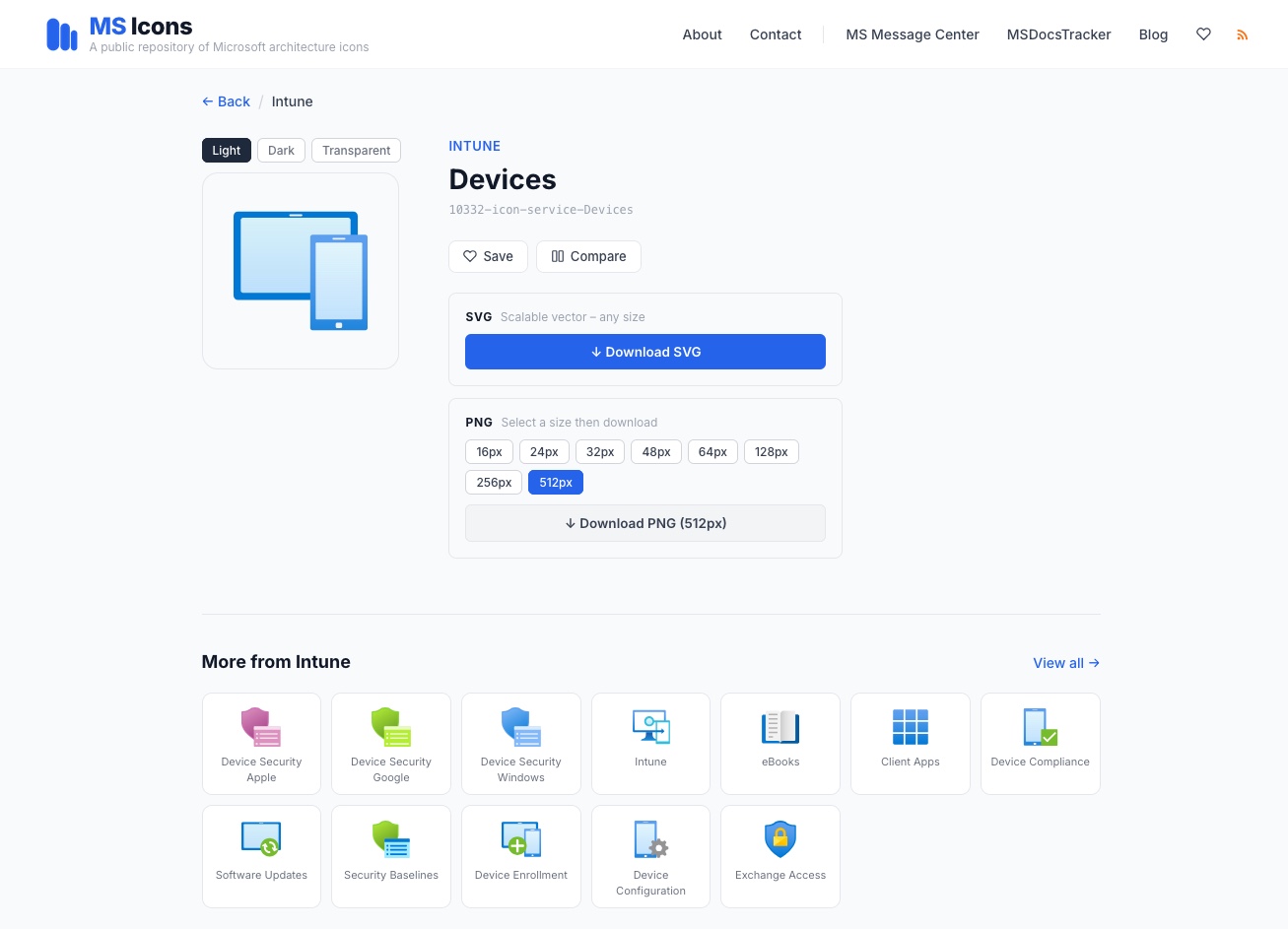
Each icon can be downloaded in SVG or PNG format, in different sizes. You can also choose a light, dark, or transparent background, depending on your needs. Being able to get SVG or PNG files in a comfortable size is clearly a plus for keeping presentations and diagrams clean and polished.
Resources like this save time every day, so it’s definitely a bookmark-worthy find! You can then use these icons in tools like Excalidraw and even Microsoft Visio.
What do you think?