www.it-connect.fr

Windows 11 Finally Lets You Decline OneDrive Backup
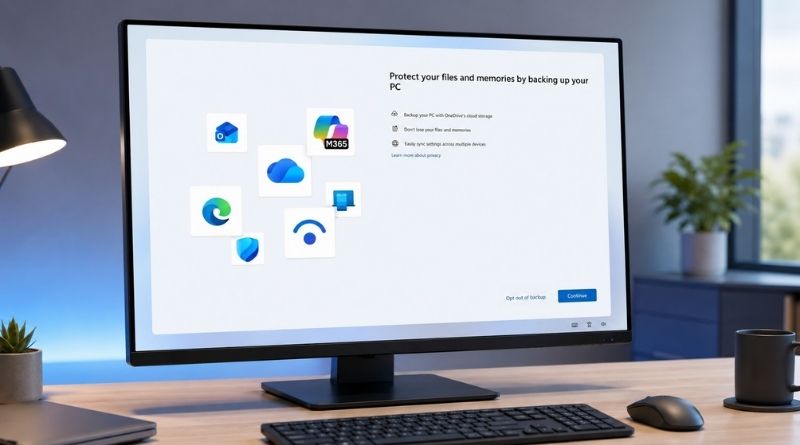
For several years, Windows 11 has shown users a full-screen prompt inviting them to back up their PC to OneDrive, with no real button to say no. The only escape offered was a "Remind me in 3 days" button, meaning a delay rather than a refusal. But Microsoft appears to have quietly changed this screen, adding a button that now lets users disable OneDrive backup.
A refusal button instead of the three-day reminder
The information comes from Mayank Parmar of Windows Latest. On two computers running Windows 11 25H2, he saw the usual OneDrive recommendation screen appear. You know, the one where Microsoft invites you to back up your data to its Cloud. But this time, alongside the option to continue, there was a clear refusal button.
Until now, this same screen only offered two choices:
- Continue, which enabled backup and started syncing before the user even had time to understand how to roll it back.
- Postpone for three days, which only rescheduled the same screen to appear later...
You have probably noticed this screen coming back: sometimes after an update, sometimes after a restart, or simply when Microsoft decides to annoy us with it. But the new button, which replaces the postpone option, would be an explicit refusal labeled "Opt out of backup", or in French: "Désactiver la sauvegarde".
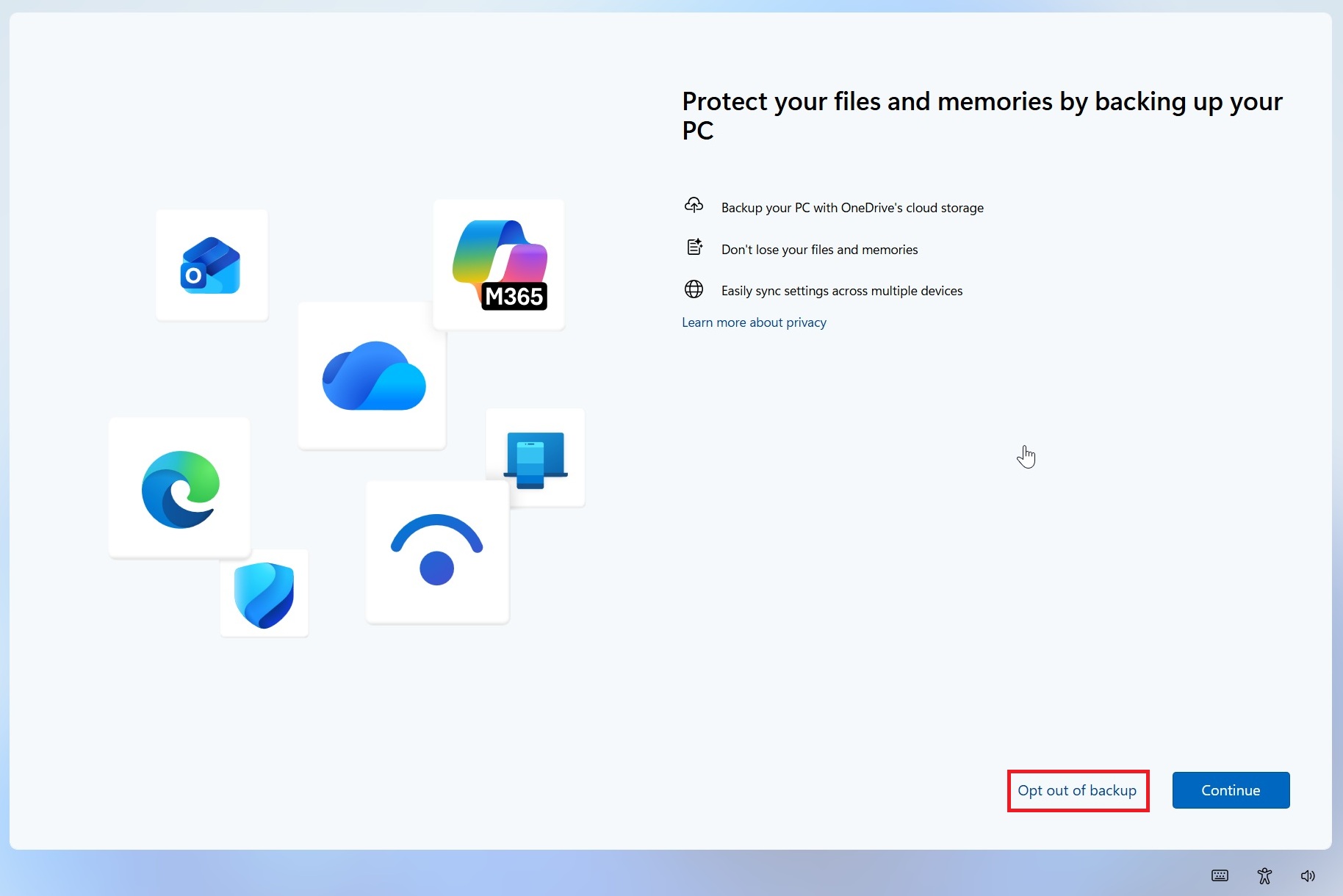
On this screen, Microsoft’s pitch remains the same: protect your files and memories by backing up your PC, and so on... However, this button change is real. It is a small detail, but a welcome one. From now on, a simple click on this button should allow users to refuse once and for all.
At this stage, Microsoft has not made any official announcement about this change. Caution is therefore still warranted... That is all the more true because Microsoft has already revised this wording in the past, but never in the form of an explicit refusal.
Declining backup does not mean disabling OneDrive
This button does not disable OneDrive. Even though Microsoft mentions OneDrive, it is not a switch that turns it off in the system. In reality, this button controls Windows Backup, the built-in backup feature that Microsoft introduced in Windows 11 in 2023 to make migration to a new PC easier.
This feature relies on OneDrive as the storage location for backups. You can absolutely decline backup while still using OneDrive sync on your PC. Because yes, even if you refuse, it will still remain installed: extra steps are required to remove it completely. You can find more information in my tutorial Windows 11: how to permanently remove OneDrive.