www.it-connect.fr

Microsoft Launches sqlsimtools, an Open Source Successor to ostress for SQL Server Load Testing
Do you test SQL Server load with ostress? You may want to rethink your habits, because Microsoft has unveiled sqlsimtools, an open source suite that reimagines this long-standing tool. Here’s what we know.
sqlsimtools is the name of a new open source tool suite developed by Microsoft teams. Now available in public preview, it is positioned as an alternative to ostress.exe, a tool used to evaluate SQL Server performance. This long-standing utility was designed to simulate many concurrent users running SQL queries or scripts.
"I decided to rethink ostress for today's SQL world, and the result is sqlsimtools", writes Bob Ward in his post on the SQL Server blog. The tool suite is free, released under the MIT license on GitHub, and it is compatible with SQL Server 2019, 2022 and 2025, Azure SQL Database, Azure SQL Managed Instance, and SQL database in Microsoft Fabric.
It has to be said that ostress needed an update, as it is starting to show its age. It will eventually be replaced. This tool currently has two major drawbacks: it only works on Windows, and it relies on SQL Server Native Client drivers, which Microsoft no longer ships with SQL Server 2022 and later versions.
sqlsimtools brings together three tools
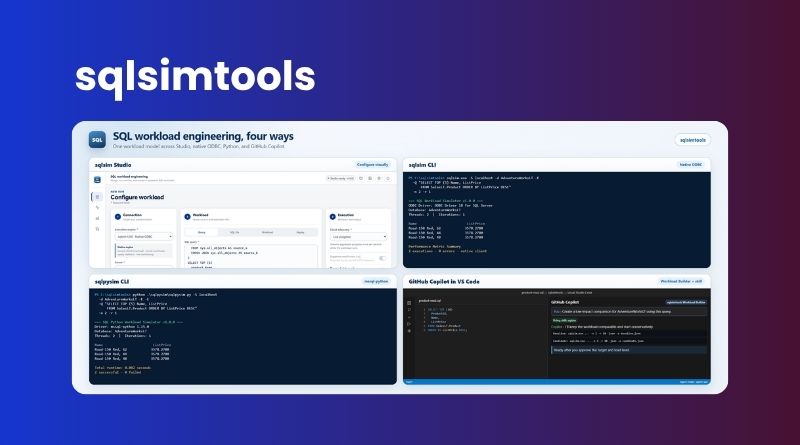
The sqlsimtools preview includes three different tools:
- sqlsim: the native command-line tool, written in C++ and based on ODBC Driver 18. It runs on Windows (x64 and ARM64) and Linux (including Ubuntu 24.04 or 26.04 on x64).
- sqlpysim: its Python variant, built on Microsoft’s
mssql-pythondriver. However, it is less performant: according to Microsoft’s measurements, it tops out at about one-tenth of sqlsim’s throughput with 50 threads. - sqlsim Studio: a local, browser-based application for configuring, launching, monitoring, replaying, and comparing workloads. It is Windows-only for now.
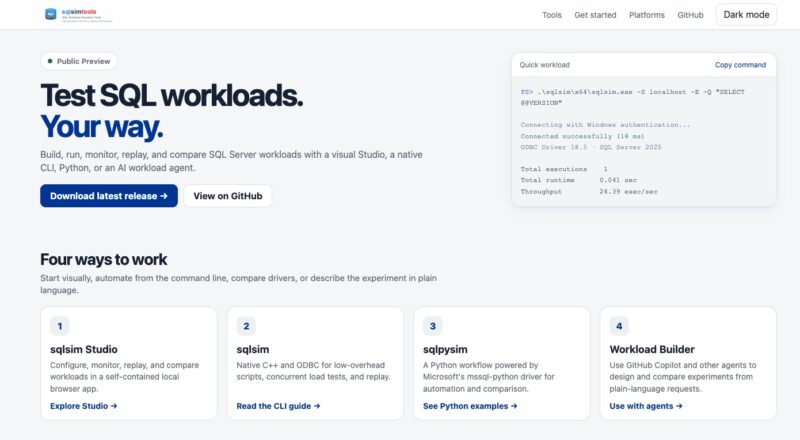
To make the tool more modern, mixed workloads are described in JSON, it is possible to compare performance before and after a change, and results can also be exported in JSON. In addition, Microsoft Entra authentication (access token, managed identity, service principal) is supported.
That is not all: sqlsimtools is compatible with AI agents, thanks to skills for GitHub Copilot, Claude Code, Codex, or Cursor. It also includes an agent called Workload Builder in Visual Studio Code. For example, this lets you describe the test you want to run in natural language, and the agent then builds and executes the workload on your SQL Server instance or instances.
If you want to give it a try, the installation packages are available on GitHub: