www.it-connect.fr

Windows 11: Microsoft Rolls Out KB5089573, the First K2 Update
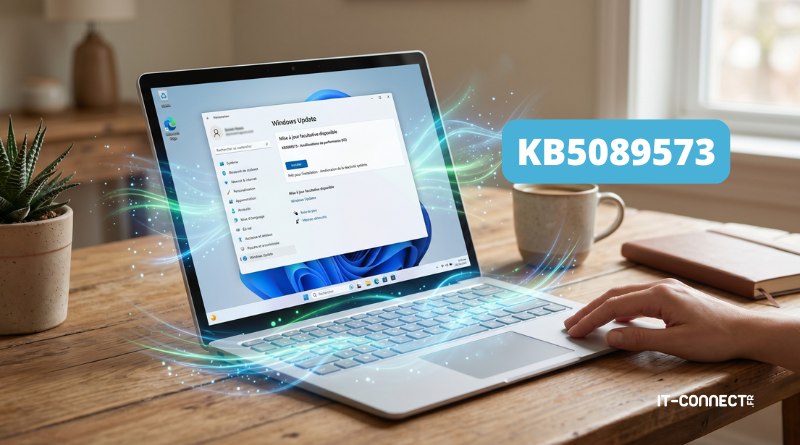
Microsoft has released the first Windows 11 update (KB5089573) tied to its new K2 program, designed to improve the speed of its operating system. Behind this initiative lies a clear goal: better satisfy Windows 11 users. What are the main new features in this release? Here’s what you need to know.
The K2 program comes to Windows 11’s rescue
In April 2026, Microsoft unveiled its Windows K2 project, whose main objective is, in a way, to save Windows 11. Microsoft therefore wants to speed up and improve its system as a whole through updates.
The new optional update, labeled KB5089573 and released on May 26, 2026, is the first one focused on overall system optimization. In other words, this is the first wave of improvements associated with the K2 project.
Microsoft has decided to target the elements most frequently used by users so the OS feels more responsive. It is still too early to say whether there is a real difference in practice, but here are the improvements brought by this update:
- A faster Start Menu and search performance
- Reduced latency when launching apps, especially via app shortcuts on the Desktop
- Improved File Explorer responsiveness
- Better handling of input and touch commands
- Faster Clipboard History and system pop-up windows
- Improved Microsoft Store efficiency for app downloads (better use of available bandwidth)
Microsoft says it has improved overall Windows 11 performance: "This update speeds up app launch and core shell experiences such as the Start menu, search, and the Notification Center.", it says.
Additional features
Beyond this performance-focused spring cleaning, Microsoft is also taking the opportunity to add a few new features. Indeed, KB5089573 also includes:
- Support for shared audio over Bluetooth LE. Shared audio lets two people listen to the same audio from a single Windows 11 PC at the same time.
- Access to the camera video stream by multiple applications simultaneously.
- Expanded NPU tracking (the chip used by AI) directly in Windows Task Manager.
- During Windows 11 installation, you can now choose a custom name for your user folder when you reach the step where you define the machine name.
This KB5089573 update is available only for Windows 11 24H2 and Windows 11 25H2.
Note that this is currently an optional "preview" update, available through Windows Update for the most eager users. As usual, Microsoft plans a broader rollout during the next Patch Tuesday scheduled for June 2026. Find all the details on the Microsoft’s website.
What do you think?