www.it-connect.fr

Fake System Admin on Microsoft Teams Deploys EtherRAT Malware
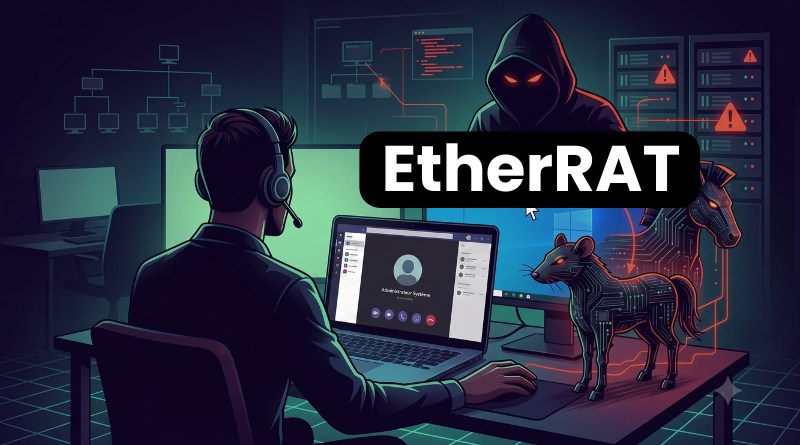
Three steps. A Microsoft Teams call from your system administrator. A remote takeover presented as a support action. And, at the end of the chain, a Trojan that takes control of your machine. According to a report from Palo Alto Networks' Unit 42 team, a social engineering campaign is currently targeting users to install the EtherRAT malware. Here is what we know about this threat.
From booby-trapped email to Teams call: a well-rehearsed scenario
The attack starts with a phishing classic. The victim receives an HTML email built around the theme of an internal survey, along with a booby-trapped PDF named EE Survey - How to log on.pdf. It is meant to be opened with the PDF reader installed on the computer.
Shortly after receiving the email, the victim gets a voice call on Microsoft Teams. On the other end of the line, an external account impersonates a system administrator at the company. According to Unit 42, the Teams call was indeed identified as an external call, notably because the label "External and unknown" was clearly displayed in the Teams client.
"Microsoft Teams audit logs confirm that the attacker initiated an inter-tenant One-to-One conversation from the account helpdesk@Progressive936.onmicrosoft[.c]om (display name 'System Administrator'), controlled by the attacker, to the victim.", the report states.
The goal of this call: gain the victim's trust and take control of the machine using Teams' built-in screen sharing feature. That's where everything changes. The user is then guided to install legitimate remote management tools (RMM), namely HopToDesk and AnyDesk, to ensure the attacker retains persistent access, especially after the call ends. Unit 42 even notes that the attacker went so far as to open the company's ServiceNow portal to create a support ticket, making the intrusion look like legitimate assistance.
A fake Teams call may sound surprising, but it is nothing new: I have already covered this several times, notably with the Matanbuchus malware, also spread through fake IT support calls on Microsoft Teams, or with the Black Basta ransomware gang impersonating IT support on Teams.
Once it has taken control of the computer, the attacker moves to the next step. Using a command prompt and curl.exe, it downloads a malicious MSI installer, v7.msi, hosted on the camorreado[.]click domain.
This file is not just a payload, but a multi-stage loader. According to Unit 42, it runs the following sequence:
- Download of a legitimate Node.js runtime (version
v18.20.5), which is increasingly present on machines, especially when Claude is installed. - Decryption of multiple embedded payloads through a multi-pass encryption chain.
- Final execution of the EtherRAT malware.
EtherRAT is a remote access Trojan (RAT) that gives the attacker full control over the compromised system: command execution, file manipulation, data theft, and persistence via the Registry (with a registry key: Software\Microsoft\Windows\CurrentVersion\Run\OneDriveSetup). The issue with EtherRAT is that the C2 server addresses are not hardcoded in the malware. In reality, it connects to the Ethereum blockchain to retrieve the address of its active C2, with a fallback server if needed (which is hardcoded: hxxps[:]//necropatia[.]com). For defenders, taking down a domain will not be enough.
This campaign would still be active, as the latest updates on the attackers' infrastructure date back to June 26, 2026.
Microsoft Teams is strengthening its defenses
This campaign joins the category of attack series that hijack Microsoft Teams to gain access to enterprise networks. This method has been used for months, and Microsoft has decided to respond to this trend. To do so, several protection measures are being gradually introduced in Microsoft Teams. The Redmond-based company has also deployed an anti-phishing protection that flags external contacts and messages. More recently, a new administration strategy automatically places suspicious third-party bots in the meeting waiting room, pending manual approval by the organizer. But this second point does not apply here since this was a 1-on-1 call.
On the defense side, a few reflexes can help reduce the risk. Since these attacks rely on remote control tools, it is useful to know how and why to disable Quick Assist on Windows 11, and even the remote access tools you do not generally use. A CrowdStrike report published in late 2025 also noted that social engineering and vishing are overtaking malware as the primary entry point: user awareness remains the best defense against these threats.