www.it-connect.fr

Windows 11 26H2: Windows Settings Backup Will Be Enabled by Default on Business PCs
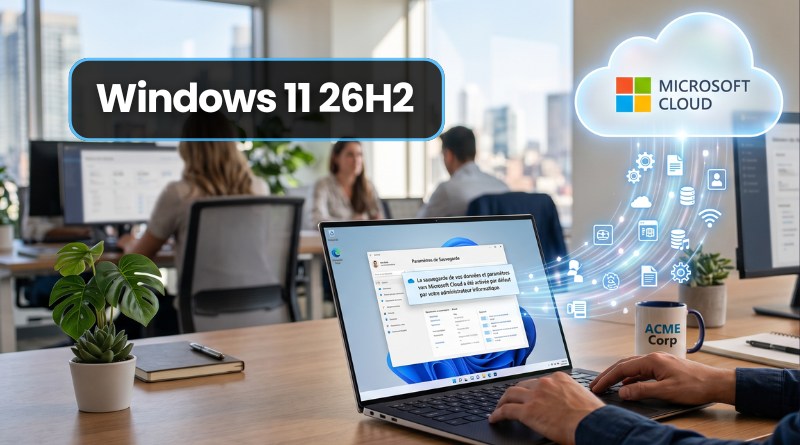
What if backing up your workstations became an automatic reflex? That’s the shift Microsoft wants to make. Starting with Windows 11 26H2, settings backup and the list of applications will be enabled by default on some Windows devices, with no configuration required. What exactly does that mean? Who is affected? Here’s what you need to know.
Backup switches to “default on” mode
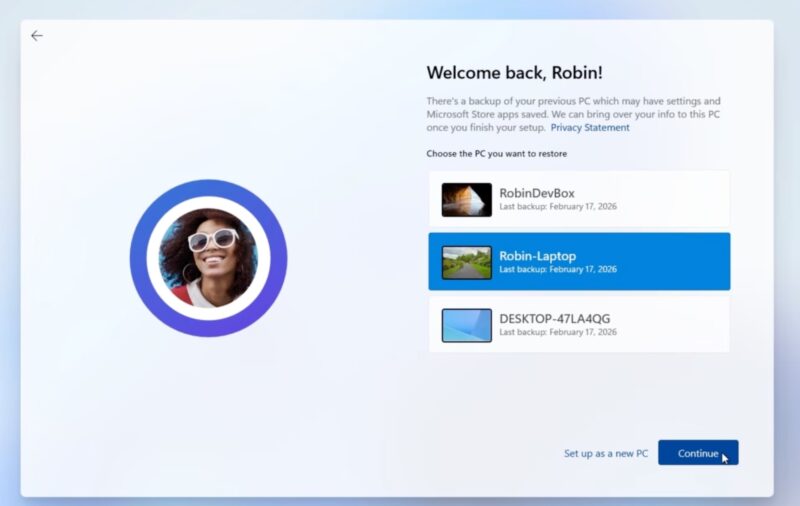
Windows Backup for Organizations, the tool introduced in spring 2025 to simplify migration to Windows 11, is changing its name: it is now called Windows settings backup and restore. The former name will be gradually replaced in Windows and in the official documentation.
More importantly, Microsoft announced on July 6, 2026 that this feature will be enabled by default. Until now, enabling backup required a deliberate choice by the administrator. That will no longer be the case. On eligible devices where the policy is left at "Not configured", backup will be enabled automatically. This automatic backup includes user settings and the list of Microsoft Store apps.
Note that this change affects backup only. Restore remains disabled by default and still requires explicit administrator configuration. In other words, your data is uploaded to Microsoft’s cloud, but bringing it back requires action from an admin.
In all cases, you remain in control: if you have already enabled or disabled backup, your setting is preserved. The new default behavior applies only when the policy is not configured. Users, for their part, still have some control: they can launch a backup at any time from the Windows Backup app and choose what to include, depending on what the administrator has allowed.
"Windows Backup for Organizations changes the way device refresh works. Proven globally inside Microsoft, it allows Microsoft Store apps and user settings to follow our employees seamlessly, and frees IT teams from the repetitive work of reinstalling PCs.", said Brian Fielder, vice president of Microsoft Digital.
European PCs are not affected
Everything I’ve just described will not apply to your machines if you are in the European Union, and therefore in France (more on that below). In fact, this change applies only to machines that meet all of the following conditions:
- Run Windows 11 26H2 or later.
- Are located in a country or region not subject to the European Union’s Digital Markets Act (DMA).
- Do not rely on a sovereign or restricted cloud environment.
- Have the backup policy set to "Not configured".
- Are joined to Microsoft Entra (directly or in a hybrid configuration) or are a Windows 365 machine (Cloud PC)
France is therefore not affected by this automatic activation, at least based on the current announcements. And in any case, Windows 11 26H2 is not yet available, but it gives us a preview of what Microsoft is preparing for next fall.
Note : personal computers are not affected by this change.
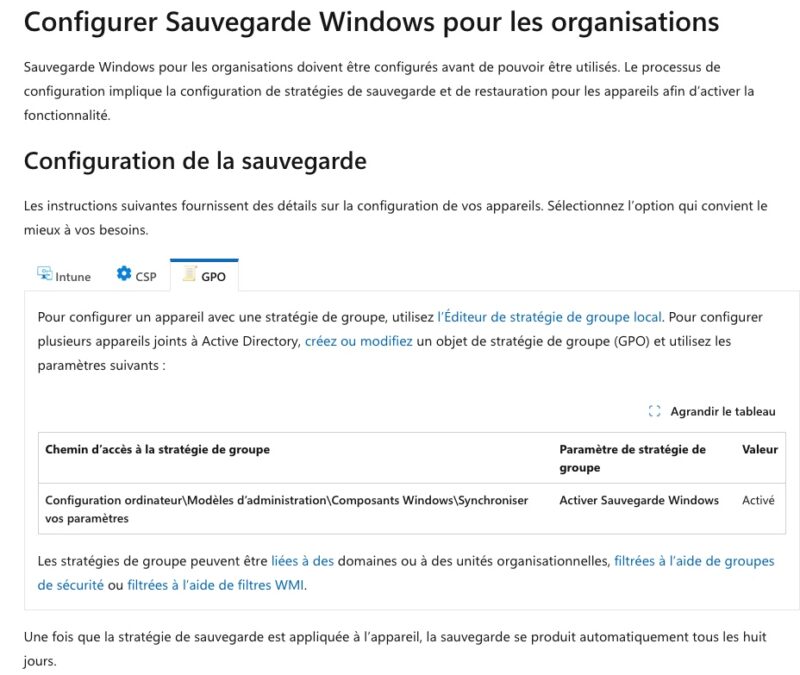
If you want to configure it, know that this is possible through a Group Policy Object (GPO) and Microsoft Intune. Microsoft provides the paths to use in its official documentation.
Source : Microsoft announcement