www.it-connect.fr

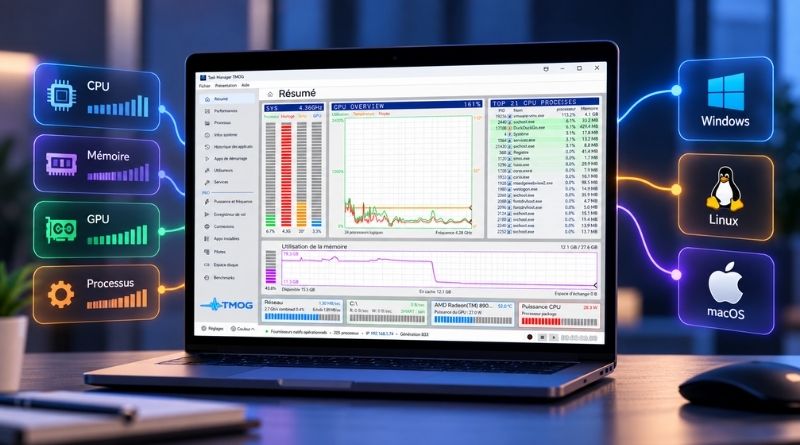
TMOG 1.0: The Creator of Windows Task Manager Launches a Cross-Platform Tool for Windows, macOS, and Linux
More than 30 years after writing Windows Task Manager, Dave Plummer is back at it. His new tool, TMOG, has reached version 1.0 and is now available on all three desktop platforms: Windows, Linux, and macOS.
Dave Plummer is no ordinary developer: the former Microsoft engineer is the author of the original Windows Task Manager. In August 2026, he released the first beta of TMOG, his new task manager, starting with a version for.... macOS. He began with Apple’s operating system because he считает that macOS Activity Monitor does not provide a worthy all-in-one view.
The Windows and Linux versions are now available as well: this is no longer a beta, but a final 1.0.0 (RTM) release. You can now install TMOG, a.k.a. Task Manager OG, the original Task Manager, on your machine.
"More than 30 years ago, I wrote the original Windows Task Manager. Today, I created TMOG to help you spot what is slowing down your computer, and understand why", explains Dave Plummer on the project’s official website. It comes in a free version and a paid version with extra features ($40 for a perpetual license).
TMOG is therefore presented as a cross-platform application:
- Windows: a C++ and Win32 application, designed for Windows 11, in x64 and ARM64.
- Linux: a C++ and Qt 6 application, compatible with X11 and Wayland, in x64 and ARM64. Three formats are available: AppImage, a .deb package for Debian and Ubuntu, and a tar.gz archive.
- macOS: a Swift and AppKit application, for macOS 14 and later, with Apple Silicon and Intel compatibility.
Even though the application is not open source, Dave Plummer says that TMOG sends neither usage statistics, hardware inventory, nor an identifier: the only regular request concerns update checks.
TMOG Overview
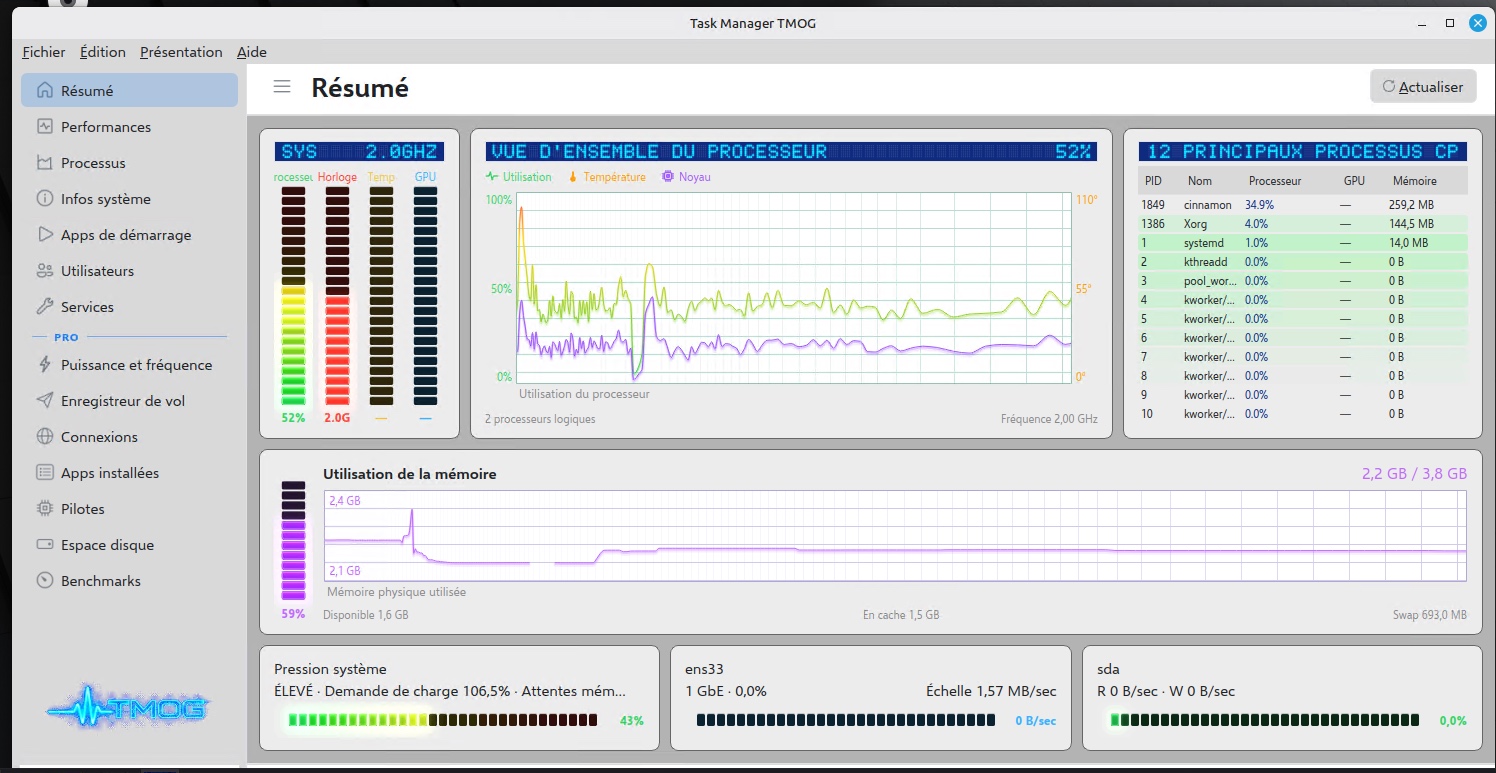
Unlike Windows Task Manager, TMOG has the advantage of offering a comprehensive, global summary of the machine’s status. It shows CPU, RAM, and GPU status, along with a list of the most resource-hungry processes. This information is updated automatically. The interface design may not appeal to everyone, but the information presented is relevant.
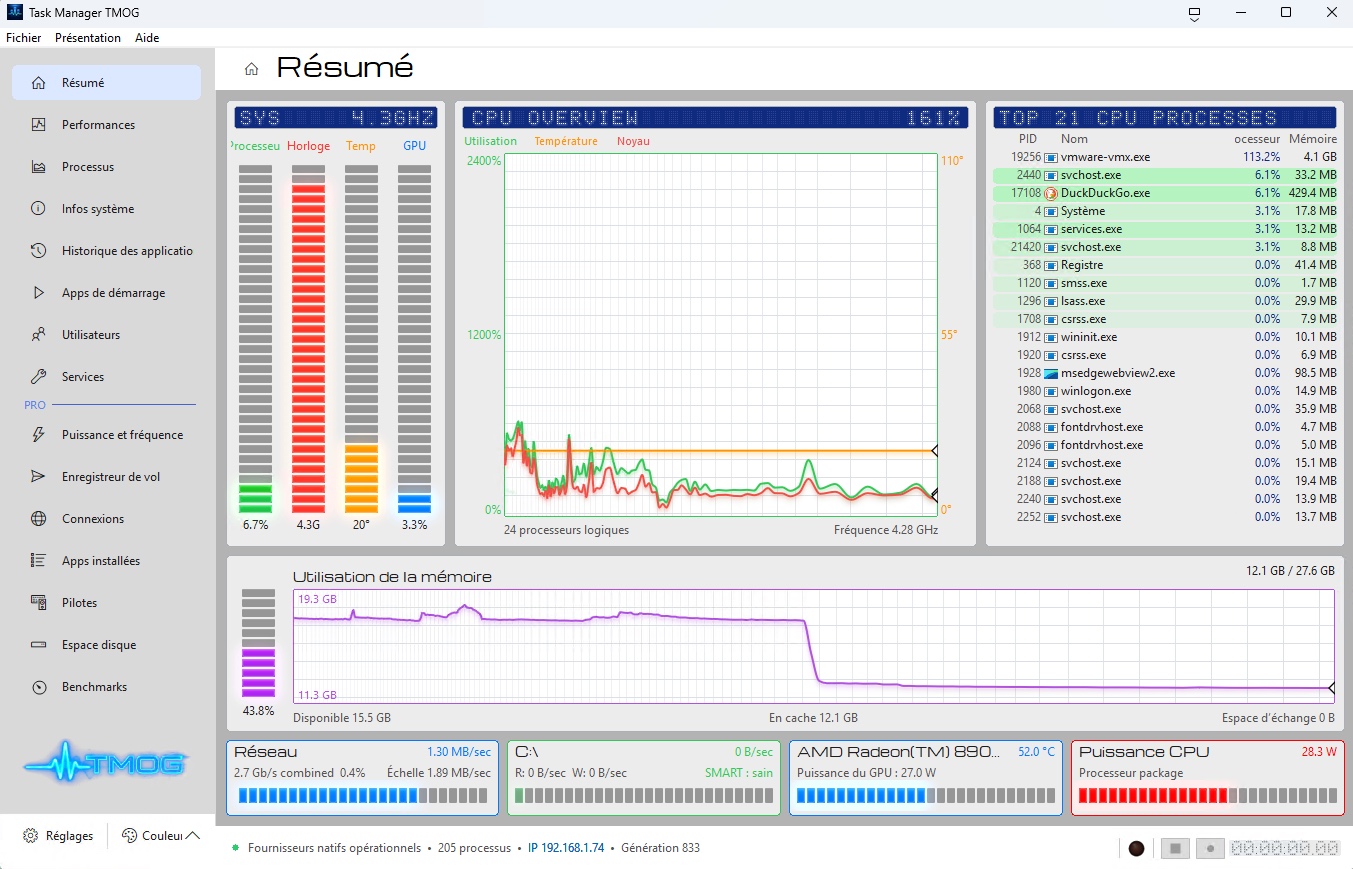
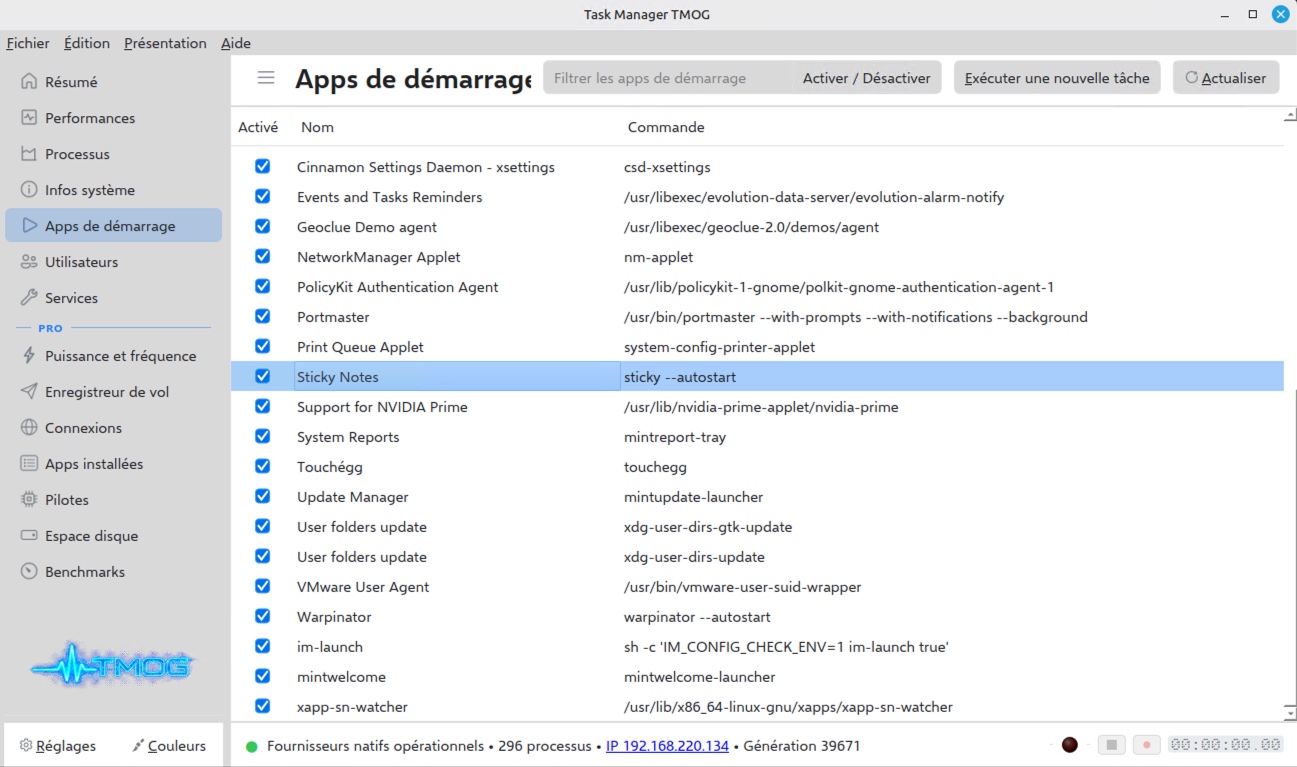
The Linux version, tested here on Linux Mint, displays an interface similar in both design and displayed information. For those wondering why there is a "Top 21" processes list and a "Top 12" on Linux, note that it depends on the window size!
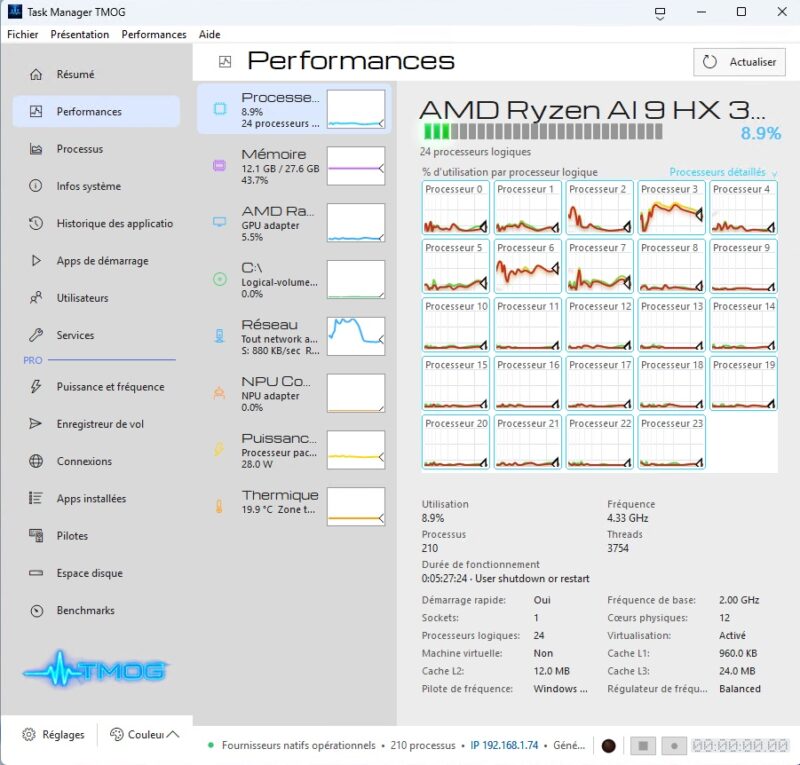
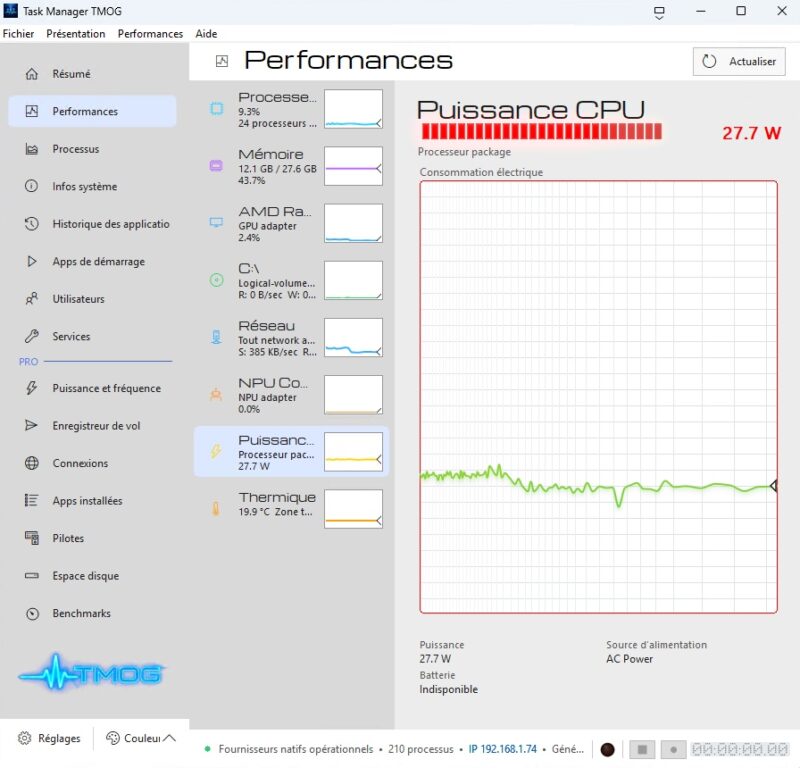
The "Performance" tab works on the same principle as the one built into Windows’ native Task Manager. There are two extra features, though: a chart showing CPU power consumption in watts and a chart showing temperature (provided the tool can access that information). What I like about TMOG is that the tool aims to be accurate and honest: it does not invent values.
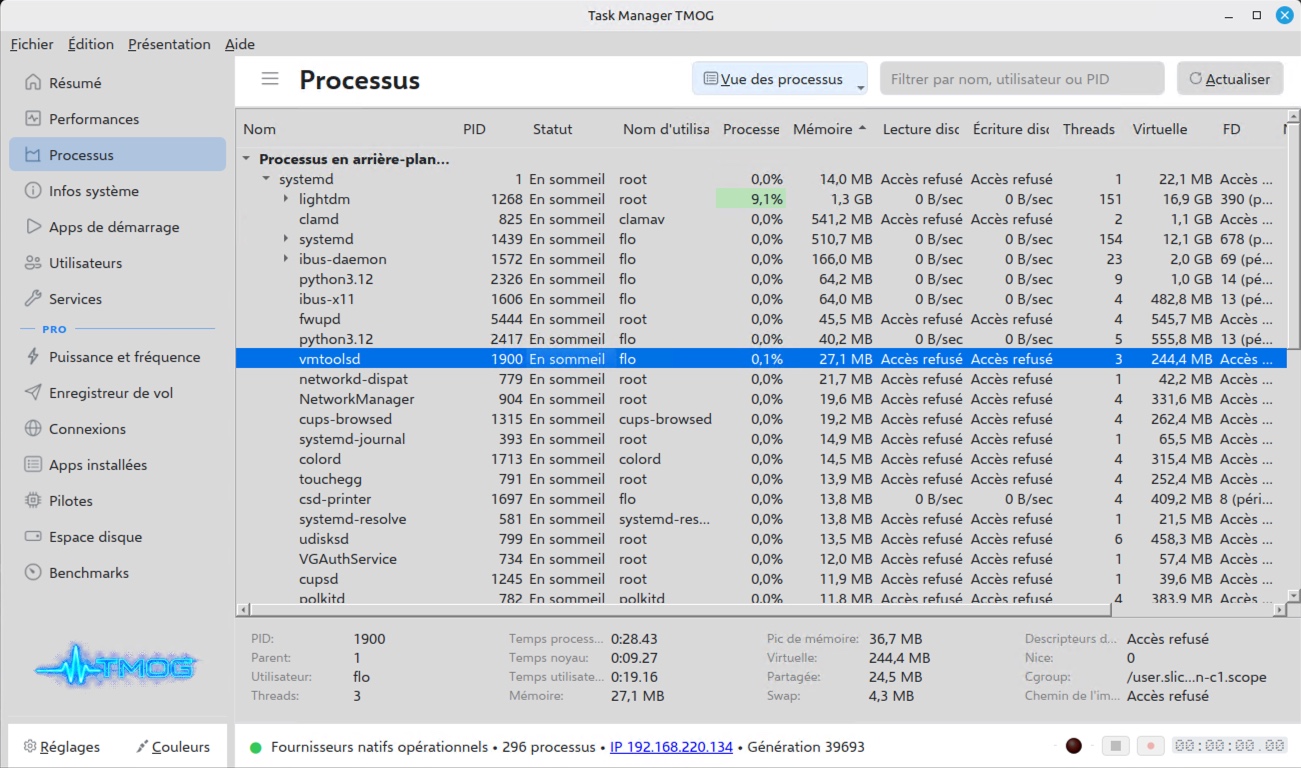
We also find other basic features available in Windows Task Manager, but here in a multi-OS approach. This includes the process list, service status, startup applications management, and basic system information.
In the side menu, everything under the "Pro" label is reserved for the paid version. The flagship feature of this paid edition is probably the flight recorder. It is, in a way, your computer’s black box: it records machine activity and then lets you replay it in a .tmogtrace format. This can be useful for understanding what slowed down a workstation at a specific time without sitting in front of the screen. The Pro license costs $39.95, with no subscription and for 1 PC..
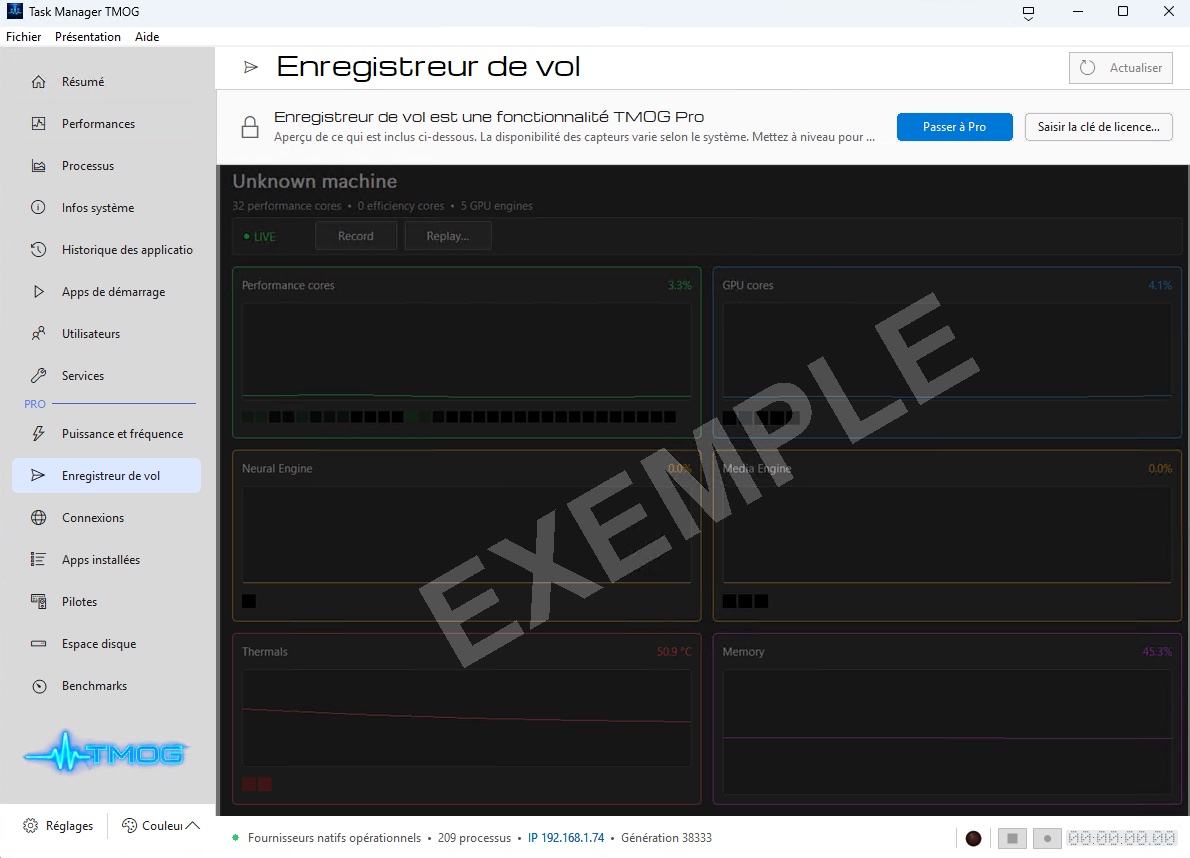
Among the other paid features, you will find:
- Detailed information about hardware status: component temperatures, disk SMART status, and more.
- Real-time network connection status, with the option to visualize routes,
- The list of installed applications (I don’t know whether there are management capabilities),
- The list of drivers present on the local machine, with version numbers,
- Disk space analysis with a WinDirStat-style graph,
- Tools for single-core and multi-core CPU benchmarking.
On Windows, Task Manager can be supplemented by other tools, including the excellent Process Explorer, an advanced Task Manager for analyzing processes, as well as AppControl, which adds detailed history and real-time alerts. On Linux, TMOG looks to me like an alternative to Mission Center.
If you want to try it on your machine, the free versions are available for download on the official TMOG website.