www.it-connect.fr

New Outlook: Edge 156 Update Breaks Attachment Opening, Microsoft Rolls Out a Fix
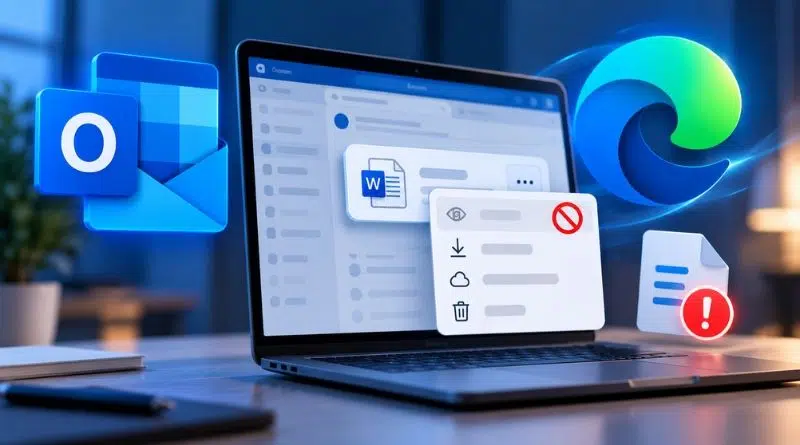
Are you using the new Outlook for Windows and the “Open” option has disappeared from your attachment menu? You’re not alone. Microsoft has confirmed that version 156 of its Edge browser is behind the issue, and a fix is now being deployed. Let’s take a closer look at what’s happening.
This week, Microsoft has been working on a new incident involving Microsoft Edge and the New Outlook desktop app. The problem affects opening attachments, with an error message saying the file can’t be opened and that you need to restart Outlook to try again. Then, the “Open” option completely disappears from the menu when you try to act on the attachment. On the Microsoft forum, one user described this behavior with Word, Excel, and PDF files, with several colleagues affected within the same organization.
Edge 156 triggered a configuration
"A recent update to Edge version 156 inadvertently enabled an unnecessary configuration change, resulting in this impact.", Microsoft explained. The Redmond-based company also notes that only users of the new Outlook for Windows who have moved to Edge 156 are affected. Classic Outlook, on the other hand, does not appear to be impacted.
Why can a browser update break the mail client? Because the new Outlook for Windows relies on WebView2, the component that allows Windows apps to embed the Edge engine. The mail client therefore inherits changes made to this engine, including the unnecessary ones mentioned by Microsoft. Microsoft did not say which configuration is involved.
A service-side fix has been deployed automatically
Microsoft developed and deployed a targeted fix that disables the faulty configuration. It is being applied from Microsoft’s servers, with the expected impact reaching customer devices automatically. The only action you can take to help the fix take effect is to restart the app. Propagation may take up to 12 hours, but as of last night, Microsoft considers the rollout complete.
"We have completed the deployment of our targeted fix to disable the configuration causing the issue and verified with a subset of affected users that the problem was resolved. Users who are still affected will need to close and reopen Outlook for the change to take effect and the issue to be resolved.", can be read.
If you are still experiencing issues, hang in there a little longer... In the meantime, here are two temporary workarounds:
- Save As: select the attachment, choose “Save As” instead of “Open”, then open the file manually from the local folder. This is the workaround provided by Microsoft.
- Outlook on the web: according to the report posted on Microsoft Q&A, attachments open normally from the web version.
You can track the status of this incident from the Microsoft 365 portal under reference EX1528992.

Ultimately, this issue is not good news for Microsoft, which has been stepping up its efforts to convince users to leave classic Outlook behind. This incident is unlikely to reassure users who were already hesitant.