www.it-connect.fr

Frame: A Modern Open Source GUI for FFmpeg
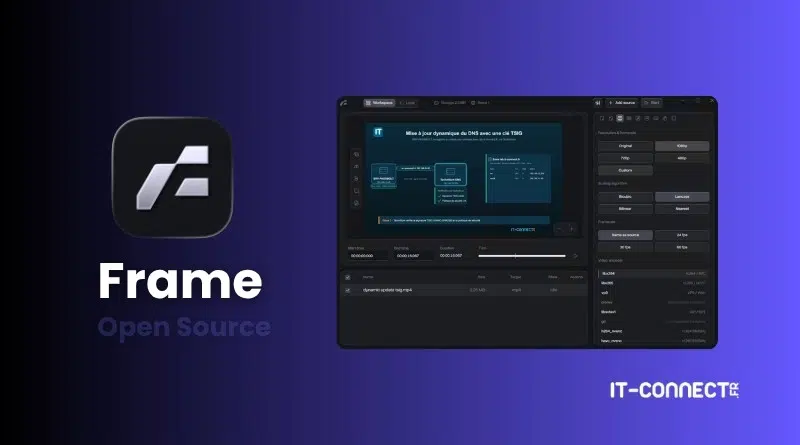
FFmpeg is an incredible set of open source tools for recording and converting audio and video files. The downside is that it can be intimidating to use from the command line, which may put some people off. The good news is that there is Frame, an open source utility that offers a graphical interface for controlling FFmpeg without opening a terminal.
As a reminder, FFmpeg is the benchmark free library for audio and video processing, embedded in a huge number of software applications.
Convert videos, audio, and images without touching the terminal
Frame is not trying to replace FFmpeg, but rather to wrap it and make the power of FFmpeg accessible directly from a graphical interface. In fact, FFmpeg is integrated into many tools and solutions, and we sometimes use it without even knowing it. The Frame application relies on FFmpeg and FFprobe as its engines, for file analysis, argument generation, compatibility checks, and progress tracking. FFmpeg therefore remains the mechanism doing the work, while Frame handles the user-facing interface.
Frame covers the common conversion needs for audio and video files:
- Video conversion with codec and filter control, or Cut and Stream Copy mode to quickly trim and remux without re-encoding when the source allows it.
- Audio conversion to MP3, M4A, WAV, or FLAC, with bitrate or quality settings, channel selection, volume, and normalization.
- Image export to PNG, JPG, WebP, BMP, or TIFF, and creation of animated GIFs (palette, dithering, loop, frames per second, scaling).
- Subtitle handling, with track selection or on-screen burning (font, size, color, outline, and position).
- Metadata cleanup, preservation, or replacement.
- Queue processing for multiple files, with pause, resume, retry, or task removal.
The application also includes ready-to-use presets: balanced MP4, H.265 archival, web sharing, GIF, audio-only, or profiles calibrated for YouTube or TikTok. You can also save your own custom presets.
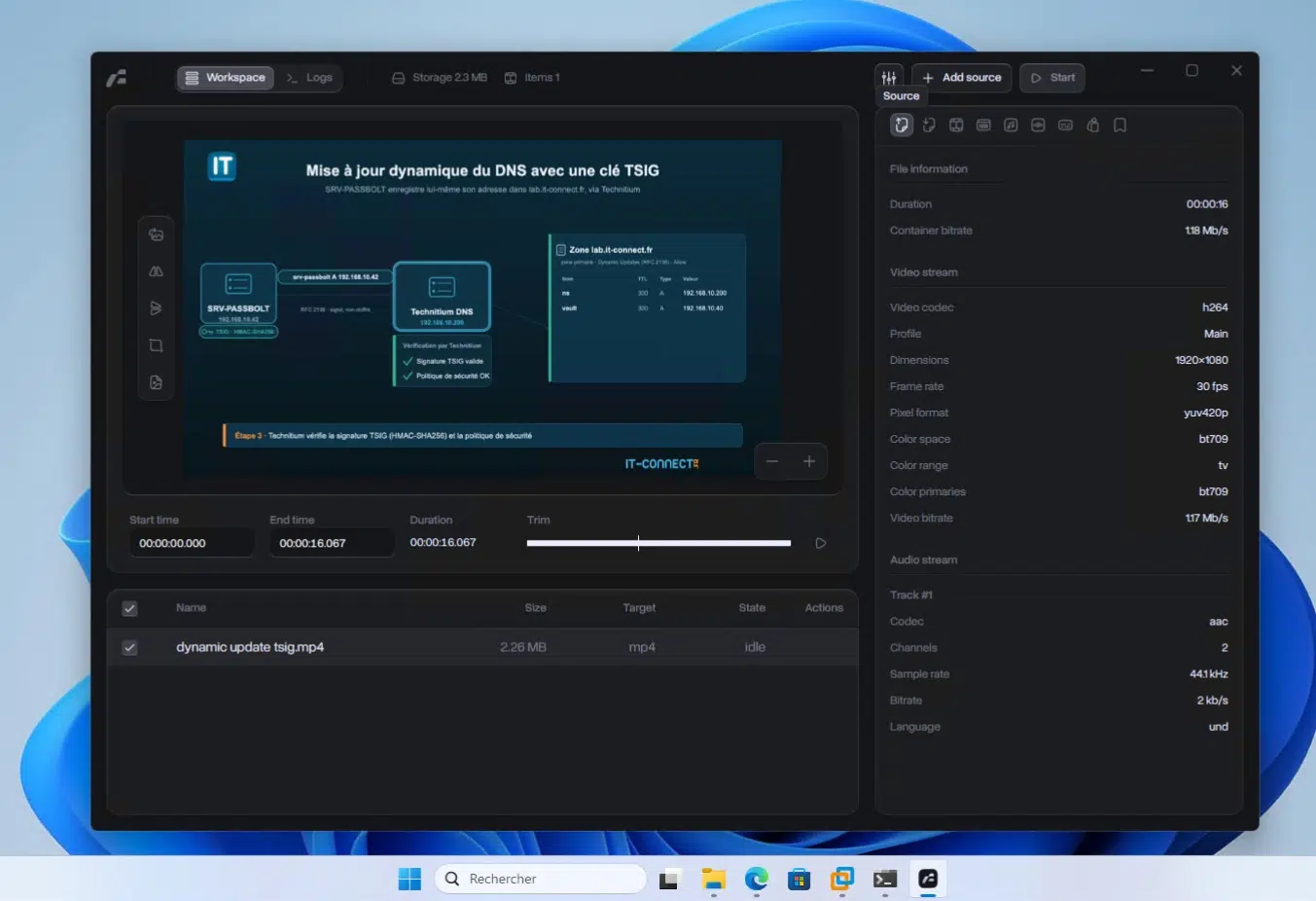
There is also a "Logs" tab in the application. It lets you see exactly what FFmpeg is doing in the background, which makes it possible to track a task's progress precisely. It's a smart addition to the interface.
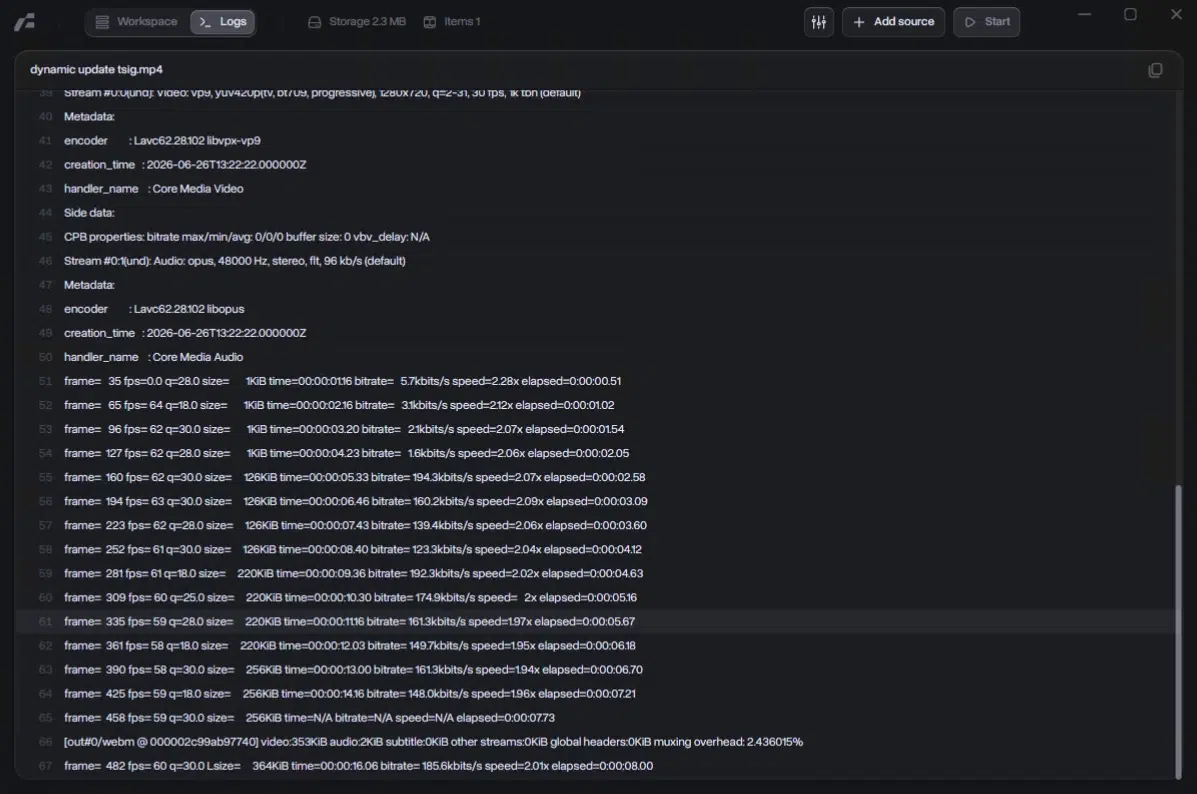
Another advantage is that all processing happens locally on your machine. No files are sent to a server, no account needs to be created, and there is no telemetry in the application. This approach is similar to other open source converters already featured on IT-Connect, such as VERT and its privacy-first approach or ConvertX and its more than 1,000 supported formats, which also relies on FFmpeg as its engine.
How do you install Frame on a PC?
As shown in the image above, Frame is available on Windows (unsigned executable), and there are also packages for Linux, including one in AppImage format. A DMG package for macOS is also provided, so it is quite complete!
To download the Frame application, go to the official website then click the "Download Frame" button (your OS is detected) or use the official GitHub. You just need to follow the prompts to start the installation, as it is very simple.
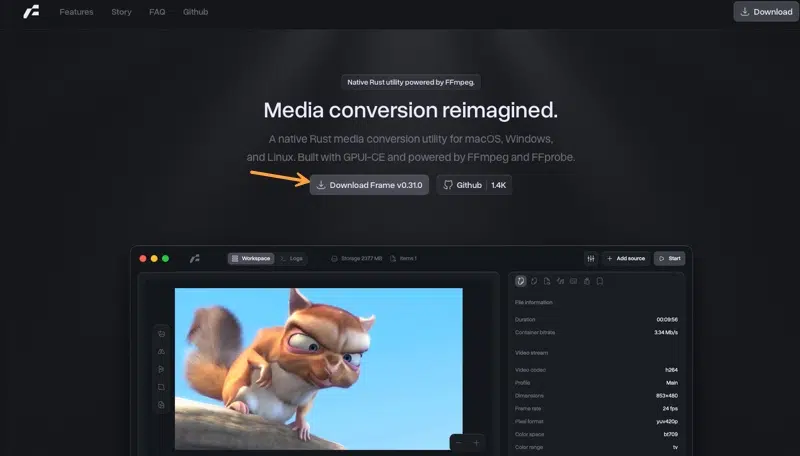
Frame is an active project that is gaining popularity quite quickly (more than 1,400 stars on GitHub), and there have been major changes in the code recently. Indeed, with version 0.30.0, released on July 5, 2026, Frame is abandoning its old Tauri and Svelte base, built on a webview engine, in favor of a native application written in Rust and built on GPUI-CE.
What do you think of this tool? Do you know of any alternatives?