www.it-connect.fr

Firefox 157: Mozilla Rolls Out Nova, Its Biggest Visual Redesign in Years
Firefox 157 is here, and this release marks a turning point for Mozilla’s browser because it enables Nova, the biggest visual redesign in years.
Since Monday, September 28, 2026, the packages to install Mozilla Firefox 157 are available for download and rollout to users should begin today. This version arrives only two weeks after Firefox 156, but that is hardly surprising. As a reminder, since Firefox 155, Mozilla has been releasing a new major version every two weeks. Some releases are bound to have more impact than others, and this one is certainly among them.
Indeed, Firefox 157 enables Nova by default, the internal codename for the browser’s new graphical interface. Mozilla first presented its plan to refresh the interface in May 2026 on its official blog. "We’re looking to give Firefox more coherent foundations: make the browser cleaner, warmer, faster, and more adaptable," Mozilla explained.
Nova: What Changes in the Firefox Interface
Nova is not a new browser. It is a new interface designed to improve the user experience (UX). Mozilla says it is "the biggest visual redesign of Firefox in years" — so what exactly changes with this new coat of paint?
- A modernized interface: the toolbar, sidebar, and menus now use Mozilla’s new design system. Panels, menus, and settings adopt rounder and more consistent shapes.
- Redesigned tabs: their shape is softer, with a subtle gradient that highlights the active tab. The new color palette seems to draw more inspiration from Mozilla’s logo.
- Reworked icons and spacing: the icons have been redesigned for light and dark themes, and spacing has been rebalanced throughout the interface.
- New built-in themes: they are available in light and dark versions, letting you customize Firefox without relying on a third-party theme.
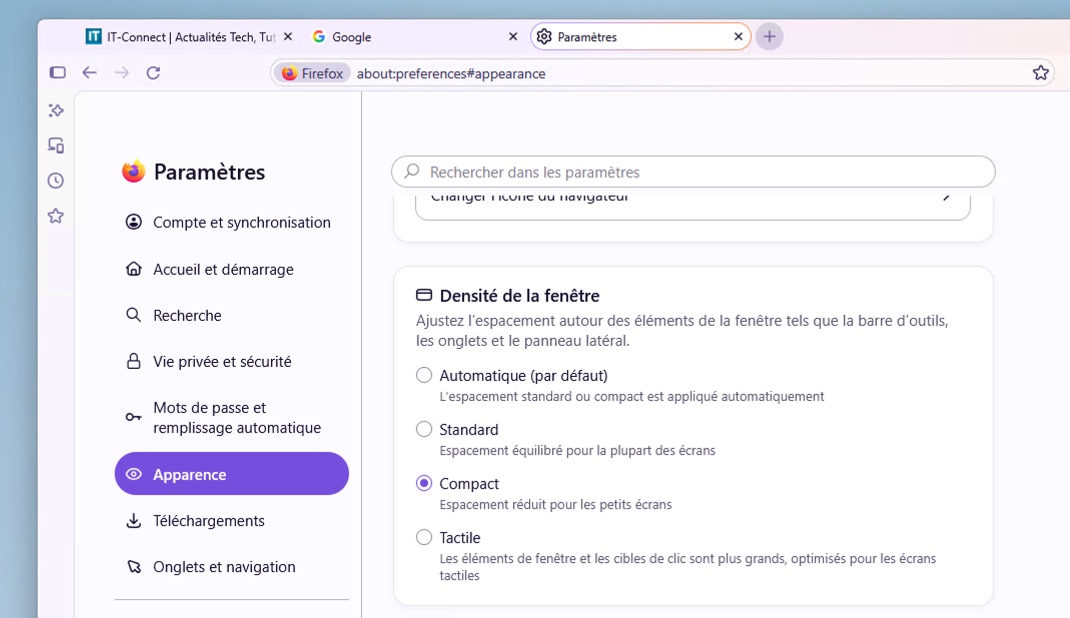
- The return of compact mode: it reduces the spacing around tabs and the toolbar to leave more room for web content. That last point should reassure users who find the new interface too airy.
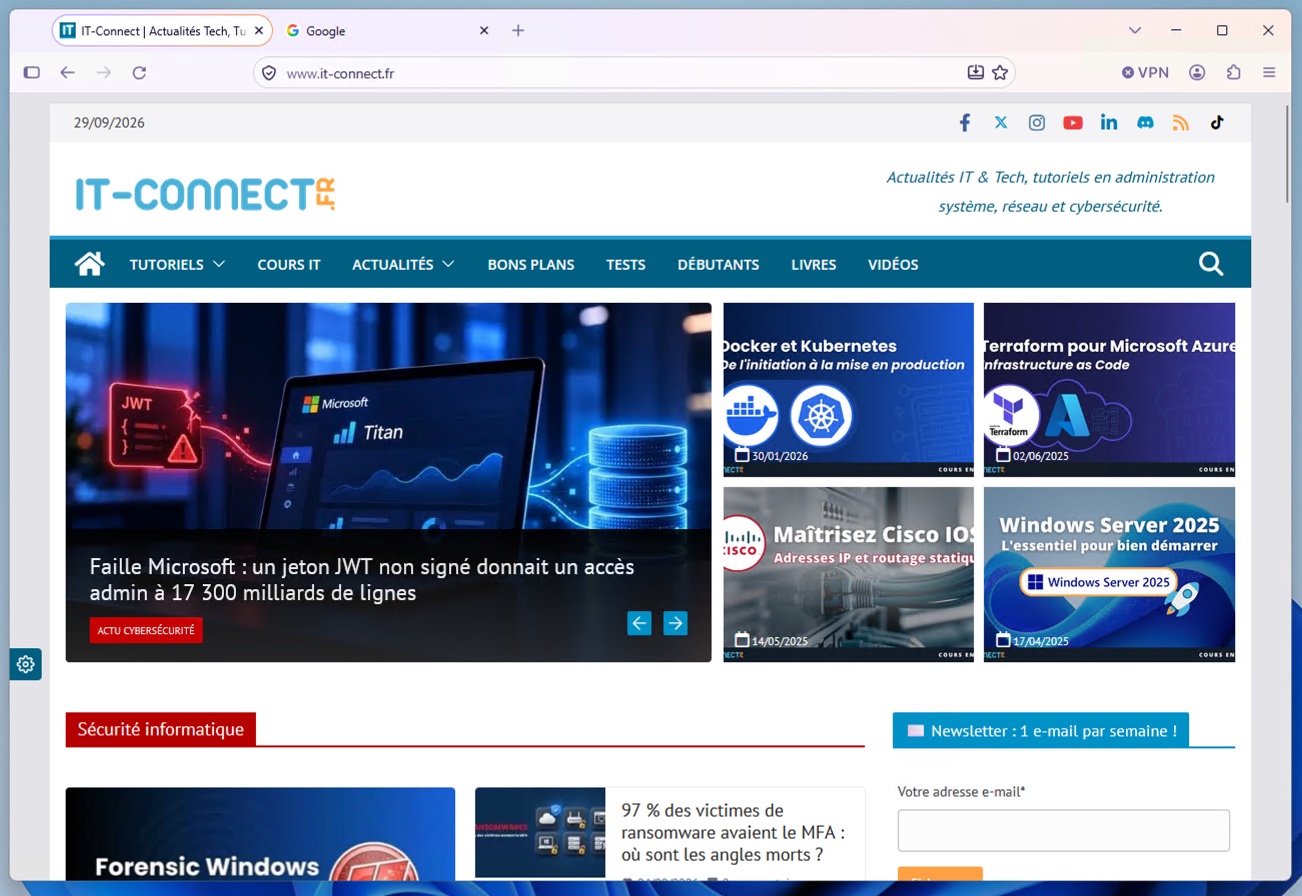
Here is a visual preview, and it is indeed rounder and more colorful than before.
Compact mode does indeed make it possible to reduce the width or height of the browser bars, whether it is the tab strip or the sidebar.
Other New Features in Firefox 157
Beyond the interface, this release brings a few more subtle changes:
- Hardware AV1 for WebRTC calls: on compatible devices, Firefox can now decode AV1 video with hardware acceleration during WebRTC video calls. Until now, this decoding was always software-based.
- Localized suggestions in the address bar: these are now available in 16 European countries, including Belgium, Luxembourg, and Switzerland. They can be configured from the Firefox Suggest settings.
- Amazon is removed from the built-in search engines: it is still possible to add it manually as a custom search engine.
- The Tab key changes behavior: it now moves focus directly into the address bar or search field input box, without stopping on the search engine button. That button remains accessible with Shift+Tab.
On the fixes side, Mozilla addressed several minor issues, including the dull, grayish display of some 8-bit HDR videos on Windows, as well as the Windows taskbar remaining visible over full-screen video. In addition, audio and video synchronization has been improved during repeated playback speed changes, for example on YouTube. Finally, in full screen, the vertical tabs sidebar now appears again when the pointer reaches the edge of the screen.
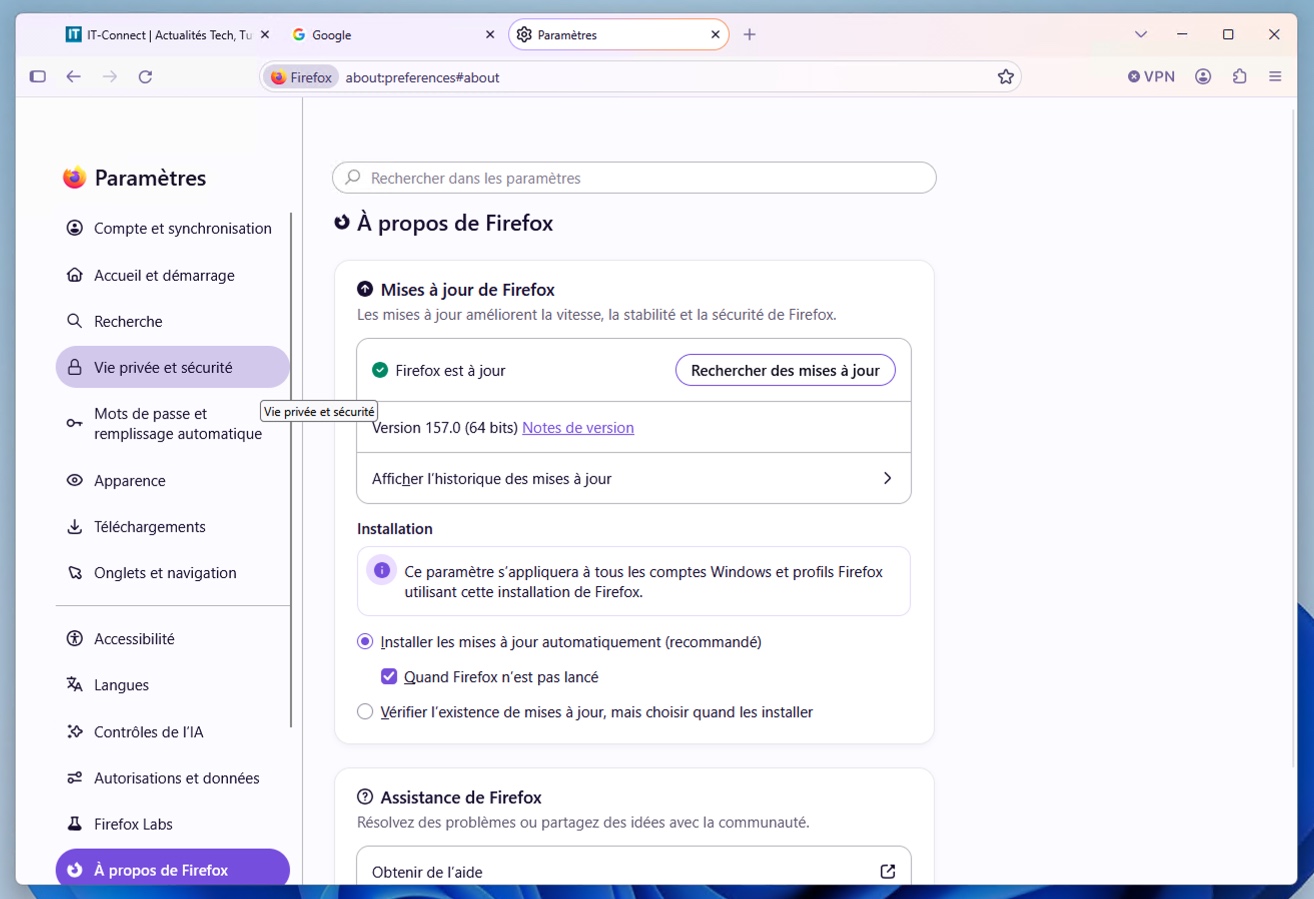
On Windows and macOS, the update will be rolled out automatically over the next few days. You can also trigger it manually from the Help menu, then About Firefox. On Linux, Firefox 157 should soon arrive in the repositories of the distributions.
What do you think?