www.it-connect.fr

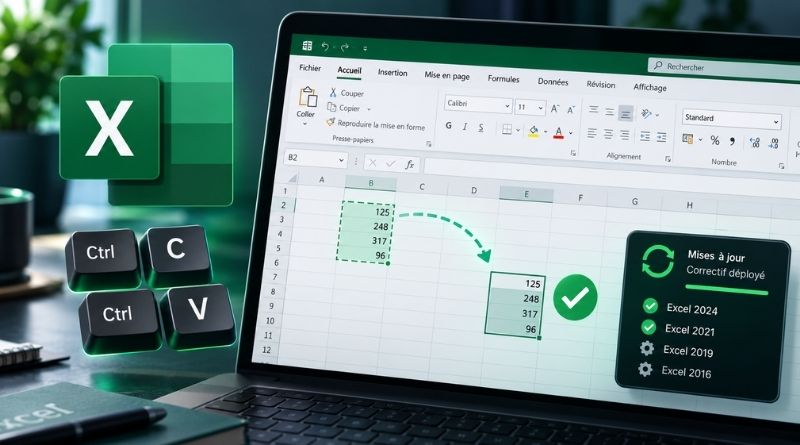
Excel Copy-Paste Bug: Microsoft Office Fixes Are Rolling Out
Following the installation of the September 2026 updates, Microsoft Excel users can no longer copy and paste in Excel using the usual methods, including keyboard shortcuts. The good news: Microsoft has released fixes for Excel 2016, 2019, 2021 and 2024. But on two of these versions, the issue may still persist in one very specific case. Let’s take a closer look.
As a reminder, on September 11, 2026, I published an article about update KB5002914, which breaks copy-paste and formula fill in Excel. Rolled out during the September 8 Patch Tuesday, this security update for Excel 2016 quickly got people talking: Ctrl+V no longer does anything. Very quickly, many of you confirmed that this issue affected all Microsoft Office versions (Excel 2016, 2019, 2021 and 2024).
What is considered a known issue had no real fix until now. "The paste operation may fail silently. Although users attempt to paste content, the source remains selected and the destination is not changed", Microsoft explains on its page dedicated to this known issue. No error message. Nothing. Enough to make more than one user doubt their own actions...
Patches to restore copy-paste in Excel
At the time of writing, the situation is not the same across all Microsoft Office versions. A fix has been released for two versions: Office 2021 and Office 2024. For the older versions, the issue has been mitigated but not fully fixed.
In all cases, you must update Office to benefit from the fix; it does not apply automatically on a machine left as-is. Here is the target build for each version:
- Office LTSC 2024 : issue fixed starting with build 17932.21000.
- Office LTSC 2021 : issue fixed starting with build 14334.20918.
- Office 2019 : issue mitigated with build 10417.20208.
- Office 2016 : issue mitigated with the KB5002665 update, released on September 16, 2026.
Mitigated, meaning what? Microsoft says that on Office 2016 and Office 2019, the "paste" operation may still fail if the workbook contains conditional formatting. You know, those beautiful workbooks with rules that dynamically change cell colors based on content. So Microsoft still needs to address this point for the two oldest versions of Microsoft Office.
What if copy-paste still fails?
While waiting for a full fix for workbooks with conditional formatting, Microsoft recommends using the Paste Special feature. It is available via the right-click menu or the main Excel ribbon.
It is not very convenient in day-to-day use, but it does the job.
Finally, this episode is a reminder of a reality: Office 2016 and Office 2019 have not been supported since October 14, 2025, even though they are still receiving a few updates. This update proves it, and Microsoft has followed through.
Can you confirm that these new versions fix the bug?