www.it-connect.fr

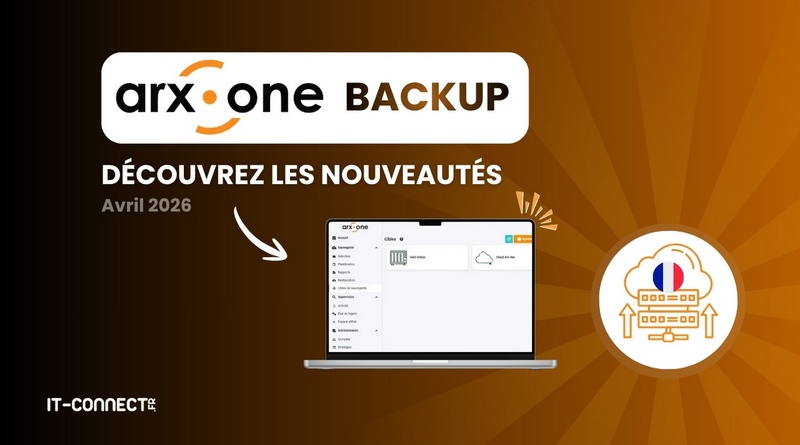
Arx One Backup Adds OnBox Local Backup and Near CDP
French data protection provider Arx One continues to expand its Arx One Backup data protection solution with several new additions. With the arrival of the OnBox local backup feature and the introduction of "Near CDP" for more frequent restore points, the solution is becoming even more flexible.
This article was sponsored by Arx One.
Local backup with OnBox
Arx One continues to work on the development of its new web management console for Arx One Backup. In the long term, it is intended to replace the thick-client console by offering a more modern and lighter interface.
On this occasion, its interface is directly enhanced by the new features added to Arx One Backup, starting with the integration of OnBox local backup. Behind this name lies the ability to perform local backups by relying directly on your equipment rather than on the Arx One Backup Cloud. Among the compatible targets, you will find in particular:
- PCs
- NAS devices (such as Synology devices)
- Servers
Data is encrypted at the source (on the device being backed up) before being securely transferred to the target available on the local network. OnBox storage can keep a history of data thanks to the versioning feature. When a restore is needed, the administrator can browse the various versions and selectively restore items in a granular way.


Deploying the OnBox component of Arx One Backup is easy across a wide variety of platforms thanks to the ready-to-use Docker image. In the case of a Synology NAS, the Container Manager (Docker) application makes it possible to deploy this component, while also allowing backups to be stored on the NAS by using a Docker volume.

This improvement is far from trivial, because it offers greater flexibility for building a customized backup strategy: local replication, local backup, or offsite backup. This is a good opportunity to recall the well-known golden rule for backups: 3-2-1-1-0, meaning 3 copies of the data, on 2 different media, including 1 offsite, 1 offline/immutable, with 0 restore errors.
Arx One Backup therefore makes it possible to use NAS devices or local servers to ensure media redundancy, while combining this with offsite storage and immutable backups in Arx One Backup.
As a reminder, the ANSSI guide on the fundamentals of information system backup includes the following recommendations in particular:
- It is recommended to apply the "3-2-1" rule: 3 distinct copies of the data, meaning the production data and 2 backups stored on different media, including 1 offline.
- It is essential to implement an offline backup (or at least an offsite online backup under certain conditions), even if it is less frequent than regular online local backups.
- Backup flows must be protected using encryption and mutual authentication between client and server using state-of-the-art methods (with TLS, for example). Arx One Backup does this by design thanks to end-to-end encryption for data transfer.

Combining both offsite and local backups provides double protection, but not only that. For technical teams, it is also an operational advantage:
- Local backups are faster to perform and restore (which encourages the use of Near CDP, discussed later),
- Offsite backups improve backup resilience and ensure the longevity of your data in the face of major incidents (disasters, cyberattacks, etc.).
Near CDP: backups at very short intervals
The second notable evolution recently added to the solution is the introduction of Near CDP. Until now, Arx One Backup supported CDP (for continuous data protection) on one hand, and traditional scheduled backups on the other. Near CDP now comes as a complement, but why is it different?
The goal is to set up backups at very short intervals to minimize data loss as much as possible. The execution frequency is configurable, and therefore adjustable according to the criticality of the environments. The administrator can therefore decide to implement Near CDP strategies with an automatic backup every 10, 15, or 30 minutes.

Near CDP makes it possible to insert backup points throughout the workday. So, if an incident occurs at 4:00 PM on a resource protected by Near CDP, you no longer lose the data produced since the previous evening (assuming the backup runs at night). Data loss is reduced to the strict minimum.
If you would like to learn more about Arx One Backup, I invite you to read my introduction article or request a demo directly from the Arx One teams: