www.it-connect.fr

PowerToys 0.99 Arrives with Grab And Move and Power Display
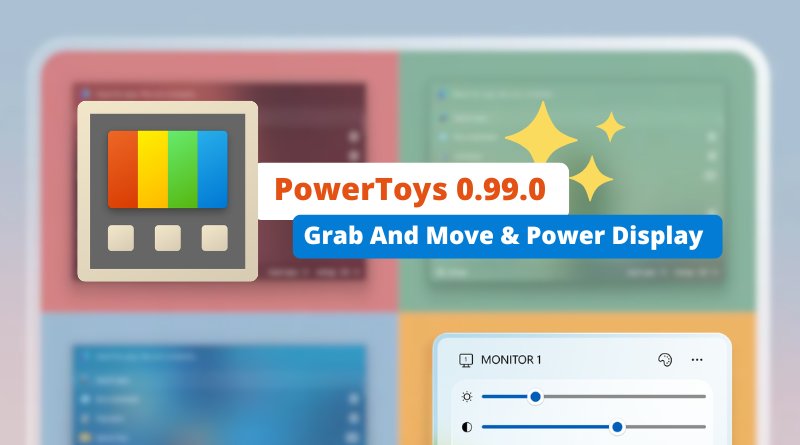
Microsoft has just released PowerToys version 0.99.0, its open source utility suite for Windows. This update introduces new tools such as "Grab And Move" and "Power Display", along with improvements for other utilities, including Command Palette and Dock. Here’s what you need to know.
Grab And Move and Power Display: new utilities
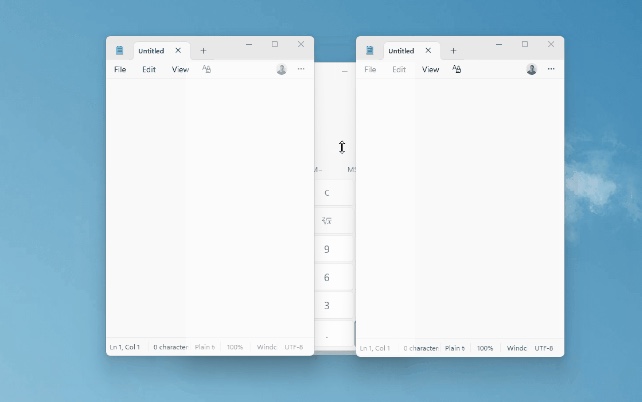
One of the main additions in this release is the introduction, in preview, of a utility called Grab And Move. It brings to Windows window-manipulation features that are available on.... Linux! In practice, to resize or move a window, you no longer need to be precise or rely on the title bar or window border.
The Grab And Move tool provides a few shortcuts:
- By holding down Alt + Left Click and clicking anywhere on a window, you can move it freely.
- With Alt + Right Click, you can resize it no matter where you click on the window, using your cursor as the reference point.
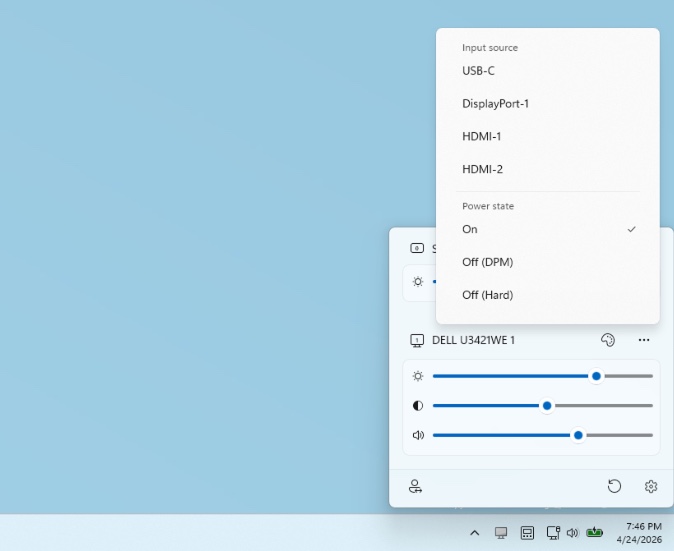
Microsoft has introduced another tool: Power Display. It lets you control your displays directly from the system tray area at the bottom-right of the Windows taskbar. It shows a new panel with access to display settings such as brightness, contrast, and volume, if the display has speakers.
Improvements for Command Palette and Dock
Microsoft also mentions improvements for Command Palette and the Dock, one of the latest additions to the PowerToys suite. "In addition to many performance and stability improvements, this release also introduces new features, including support for "plain text" and "image viewer" content types for extensions, making it possible to display plain text and zoomable images directly in the content pane.", Microsoft says.
For Dock, three notable improvements are mentioned:
- It is now possible to keep Dock always on top of other windows.
- A Compact mode has been added. When Dock is positioned at the top or bottom of the screen, this mode makes Dock less intrusive by hiding item subtitles.
- The ability to pin Windows Terminal profiles, with dedicated icons for each profile.

On the stability side, developers fixed two crash scenarios related to input handling and strengthened extension loading so that a faulty module can no longer bring down the entire list. The update also adds Windows Terminal profile pinning with a dedicated icon for each profile.
ZoomIt: scrolling screenshots
The presentation and capture utility ZoomIt becomes more versatile with the arrival of scrolling screenshots. In short, this is useful for capturing an entire web page by scrolling the capture and ending up with a single image. It also adds text extraction functionality available at capture time.
To download PowerToys or view the full changelog, go here: