www.it-connect.fr

Windows 11 26H2 Confirmed: Few New Features, Extended Support Through October 2028
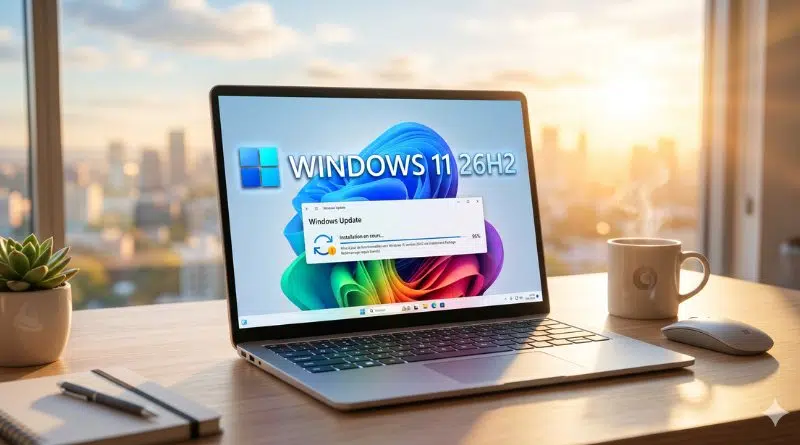
Microsoft has confirmed the arrival of Windows 11 26H2 by the end of 2026. But novelty seekers should not get too excited: this release will take the form of an Enablement Package, meaning an ultra-light update with no truly new features. Its main value lies elsewhere: extending support for your system until October 2028, and even October 2029 for enterprise editions.
With 26H2, Microsoft is continuing the trend seen in recent years: annual updates that are increasingly discreet, looking more like a maintenance milestone than a true version upgrade. Windows 11 itself continues to evolve mainly through monthly updates, and therefore throughout the year.
What exactly is an enablement package (or eKB)?
With this type of package, the installation process differs from that of a classic feature update. An enablement package is a tiny package, often under 500 KB, whose role is limited to activating code that is already present, but dormant, on the machine. In other words, the mandatory monthly updates gradually introduce the new features, and this package activates them.
For a PC running Windows 11 24H2 or 25H2, upgrading to 26H2 comes down to:
- A quick download (whether or not you have a decent Internet connection),
- A single reboot,
- Just a few minutes of installation.
Once the process is complete, the desktop is exactly the same: no visible changes. The experience is therefore very far from what we may have known in the past, though it is nothing new either!
In fact, let’s take this article as an opportunity to recall that Windows 11 24H2, released in October 2024, was the last full-fledged feature update. Since then, Microsoft has been advancing the version number each year without changing the underlying platform.
As for new features, they no longer arrive through the annual update, but through monthly cumulative patches. A quick look at the latest updates is enough to understand this. Want an example? We can point to the ability to pause Windows Update more flexibly and the return of a taskbar that can be positioned in different areas of the screen (expected as early as this summer).
Windows 11 26H2 mainly serves as a new starting point for maintenance, since it resets the support clock.
Extended support, unchanged hardware requirements
That is the real benefit of 26H2. End of support is set as follows:
- October 2028 for Home, Pro, Pro Education, and Pro for Workstations editions,
- October 2029 for Enterprise, Education, and IoT Enterprise editions.
On the hardware side, nothing changes either. Windows 11 26H2 introduces no new requirements: any machine capable of running 24H2 or 25H2 will accept 26H2 without difficulty. The baseline remains the same: 4 GB of RAM, 64 GB of storage, and a 64-bit dual-core processor.
However, be careful not to confuse 26H2 with 26H1, which is a separate release and has been available since early 2026. That version targets newer silicon platforms such as Nvidia N1 and Snapdragon X2 chips, and is based on a different technical foundation. Windows 11 26H2 is therefore clearly intended to follow Windows 11 25H2 directly.
As for the timeline, no exact date has been announced beyond a target set for fall 2026. The update will be offered through Windows Update: you will simply need to keep an eye on the dedicated section in Settings.
How can you test Windows 11 26H2?
For those who want to try 26H2 right now, it is possible through the Windows Insider program! In fact, Microsoft revealed Windows 11 26H2 through the Windows Insider blog .
Machines already enrolled in the Experimental channel will automatically switch their version number to 26H2 (visible in Settings > System > About, as well as via the winver command). Insiders in the Beta channel can join the Experimental channel from Settings > Windows Update > Windows Insider Program.
A great opportunity to validate application compatibility with this new release before the broad rollout expected in fall 2026.