www.it-connect.fr

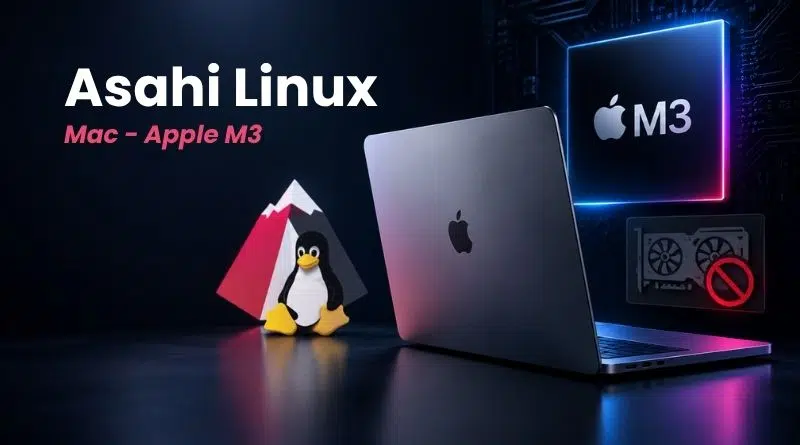
Asahi Linux Officially Supports M3 Macs, But the GPU Is Still Missing
Do you have a MacBook or iMac powered by an Apple M3 chip? You can now install Asahi Linux on it, as support for M3, M3 Pro, and M3 Max chips has been added to its installer. There are still a few limitations to know before you start the installation.
A quick reminder to begin with: Asahi Linux is the community project designed to make Linux compatible with Macs equipped with an Apple Silicon chip. This is not easy work, since it is done through reverse engineering. Until now, only the M1 and M2 generations were officially supported, but that has now changed.
On September 6, 2026, James Calligeros published a post on the Asahi Linux blog to announce good news for the community: support for Apple M3 machines has been added directly to the installer. This means that Asahi Linux now officially supports Macs equipped with an M3 chip (and its variants).
This is, in a way, the result of several months of work. In fact, last week, I published an article on the arrival of USB4 and Thunderbolt on M1, M2, and M3 Macs running Linux, through a series of patches.
What works (and what still doesn't)
Almost everything that works on Macs with M1 and M2 chips now works on M3-based models as well. In other words, the following all work: webcam, internal microphones, Wi-Fi, Bluetooth, USB up to 10 Gb/s (the USB 3 hardware limit), and hardware video decoding. For the latter, AV1 codec support is even included (which M1 and M2 chips cannot decode in hardware).
Even so, there are two notable omissions:
- The GPU. 3D acceleration is not yet at the expected level. "Don't expect efficient or high-performance 3D acceleration for now," the team warns, promising more news on this topic in the coming months.
- The DCP. This coprocessor drives the display. Full support for M3 is not yet complete, which results in two limitations for users. First, sleep mode does not work, because the system relies on the framebuffer provided by the firmware. Second, the HDMI port on MacBooks that include one remains disabled for now.
As for the M3 models supported by Asahi Linux, these include MacBooks and iMacs with M3, M3 Pro, and M3 Max chips. By contrast, the Mac Studio with M3 Ultra is not supported yet.
An installation reserved for Expert mode, for now
If you want to try Asahi Linux on your M3 Mac, note that you will need to use the installer’s Expert mode.
Because the work is still very recent, installation on M3 is blocked behind Asahi’s Expert installer mode. This means you have to launch the installation command from a macOS terminal with the EXPERT=1 variable. As explained in the article published on the Asahi Linux blog, you need to run this command: curl -L https://alx.sh/ | EXPERT=1 sh.
All of this is temporary: "Our goal is to remove the Expert requirement in time for the Fedora Linux 45 beta release in a few weeks, unless there are major regressions or other blocking issues.", we read.
What do you think?