www.it-connect.fr

Windows Update Certificate Expiry Could Block Updates on Some PCs and Servers in 2027
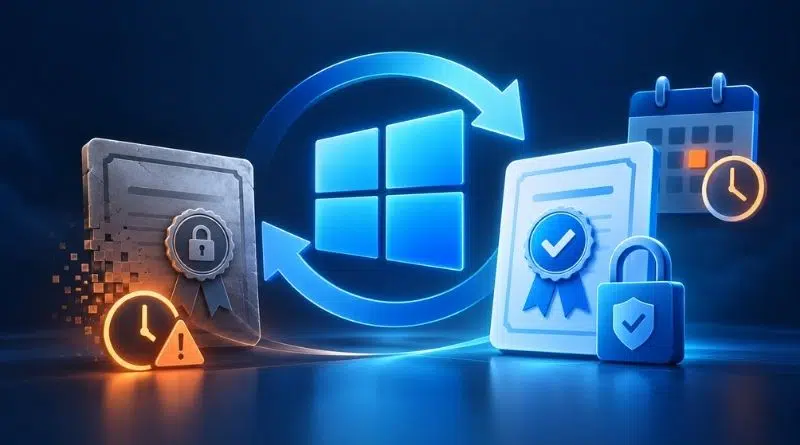
Mark these two dates on your calendar: May 17, 2027 and June 19, 2027. That is when several certificates used by Windows Update will expire. Machines that have not received the new certificates will simply lose access to Microsoft’s update service. Here’s who is affected and what you need to do.
Microsoft has published a new blog post to announce a Windows Update certificate rotation. These certificates allow devices to verify that they are connecting to Microsoft’s official servers. Like any certificate, they have an expiration date and must be replaced.
Does this scenario sound familiar? That’s normal. In 2026, the Secure Boot trust chain had to be renewed. This topic has been covered several times on IT-Connect, including in this article where I explained how to prepare for the Secure Boot certificate update in 2026. This time, things look simpler: the new certificates are already delivered through monthly updates, so if you are running a supported version of Windows, it will happen automatically.
For everyone else, here is what Microsoft says: "These devices will lose access to Windows Update services and therefore will not receive any updates". In other words, Windows Update will no longer work.
Which update should you install, and by when?
Here is the minimum update to install, depending on your Windows version:
- Windows 11 25H2 and later : no action required.
- Windows 11 24H2 and Windows Server 2025 : install the September 2025 security update (or later) before June 19, 2027. Note that the Home and Pro editions of Windows 11 24H2 reach end of updates on October 13, 2026.
- Other supported versions of Windows 11 and Windows 10, Windows Server 2022 : install the July 2026 security update (or later) before June 19, 2027.
- Windows 10 Enterprise LTSC 2019, Windows Server 2019 and Windows Server 2016 : install the July 2026 security update (or later), but before May 17, 2027.
- Other versions of Windows : upgrade to a supported version of Windows or Windows Server.
For Windows 10, it all depends on ESU. The consumer program has been extended until October 12, 2027 (see this article: Windows 10 ESU quietly extended). A PC that is enrolled and up to date should therefore be covered. A PC without ESU, however, falls into the unsupported version category. On the server side, Windows Server 2012 and 2012 R2 are missing from the list: their ESU program ends on October 13, 2026 (so there will be no more updates anyway).
What if a supported machine has fallen behind? After the certificate expires, it will no longer be able to reach Windows Update. That said, all is not lost, but it will be more cumbersome. You will need to download the required update from the Microsoft Update Catalog or deploy it with your usual management tools. So it is best to avoid getting to that point.
Workstations that receive updates from a WSUS server are not affected. On the other hand, those that connect directly to Windows Update (including through Intune or Windows Autopatch, which rely on this service) are. Ironically, WSUS has been deprecated by Microsoft since September 2024.
Ultimately, given the upcoming deadlines (May 17, 2027 is in seven months) and the minimum updates required, this should go smoothly for most users. Unless you are really far behind on patch management…