www.it-connect.fr

Windows 11 Tests Per-App Camera, Microphone, and Location Permissions
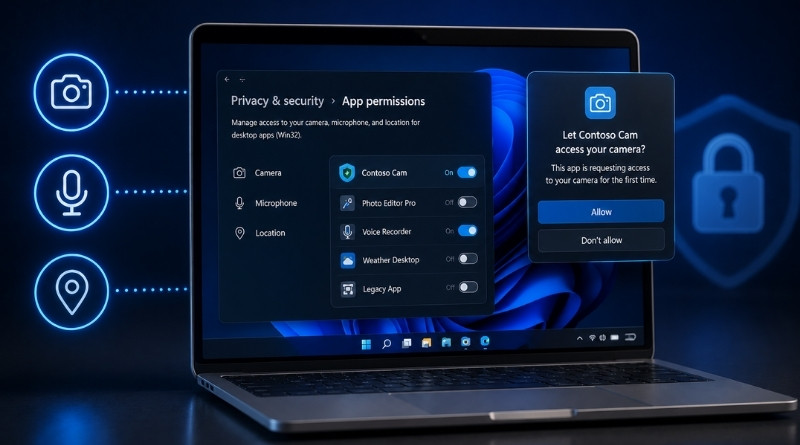
Microsoft is testing a new security option in Windows 11 that lets users manage camera, microphone, and location permissions on a per-app basis, including for old-school Win32 programs. Here’s what we know about this new feature.
A Global Setting Replaced by an App List
Until now, Windows 11 treated traditional desktop apps as a single group. One choice applied to the entire machine and every app installed on it. In other words, you could allow or deny access to the camera, microphone, or location, but the setting applied to all applications.
There is, of course, one exception: packaged apps distributed through the Microsoft Store already have their own individual setting. That means not all apps could be managed in the same way when it came to controlling access to sensitive devices.
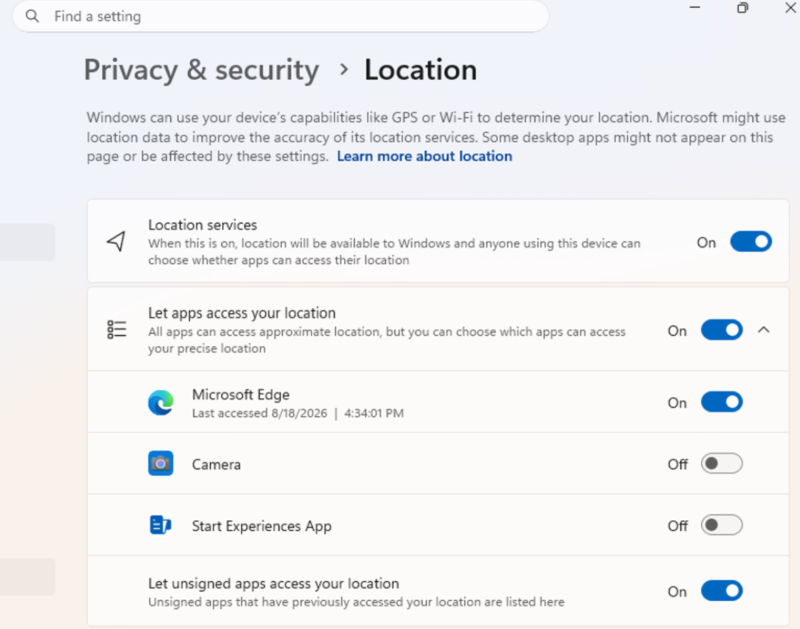
"Windows Insiders can now manage camera, microphone, and location permissions for each desktop app. Previously, access for traditional desktop apps was controlled by a single device-wide setting", Microsoft explains in the article accompanying the new build Microsoft in the article that accompanies the new build.
With this change, it will be possible to allow or block access for each desktop app individually. More importantly, and this is a welcome improvement, a permission prompt will appear when an app requests a resource for the first time. For example, the first time an app wants to access your webcam, you will need to explicitly allow it.
Access is no longer implicit, and that is a good thing.
No Reset of Current Choices
When this feature makes it into a stable Windows 11 build, Microsoft will likely be careful. The goal is simple: don’t break anything. Existing choices will be preserved, allowed apps will remain allowed, and blocked apps will stay blocked.
"Most desktop apps appear with clear attribution. However, some apps that rely on shared system components, browser-hosted experiences, or similar technologies may appear under a different name than expected.", Microsoft warns.
In any case, you will be able to grant access only to the apps you recognize and trust. This feature introduced today was somewhat expected. In February, Microsoft had promised smartphone-style permission controls as part of its Windows Baseline Security Mode and User Transparency and Consent initiatives.