www.it-connect.fr

Identity Theft: Checks to Make After State Data Breaches
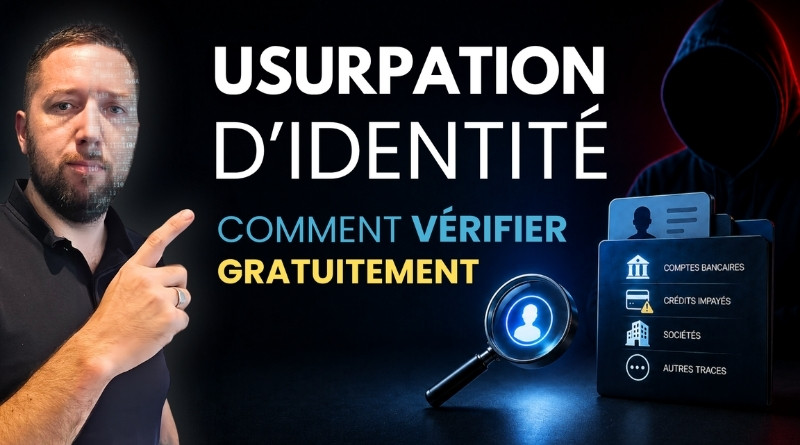
Since the beginning of 2026, several state services have been hit by data breaches: DGFiP, France Titres (formerly ANTS), and the Ministry of Education, among others. Last name, first name, postal address, date of birth, tax number, and more... This information is now circulating, and no one can say for sure whether yours is among it. Rather than waiting, you can check for free, using official services, whether someone has already used your identity. That is the topic of my new video.
Why these checks are useful
In my previous video (below), I explained how attackers obtain the credentials behind these leaks, notably through infostealers. This time, we are changing perspective: that of the person whose data was leaked.
Beyond the usual phishing campaigns, the main risk is identity theft. With enough information and documents about you, a malicious person may try to open an account, take out a consumer loan, or create a company, all in your name. The problem is that victims often only realize it later: a letter from an unknown bank, a loan rejection, or a reminder for a debt that is not theirs.
The good news is that the state keeps records that can help spot these situations, and you can consult them by submitting a request through official channels.
The video
In this new video, I present the official services you can use to run these checks. I also take the opportunity to remind you of a few habits to adopt when dealing with suspicious messages, as well as best practices to limit the damage.
What follows is a summary of the video, with all the essential links.
The four checks presented
Your FranceConnect login history
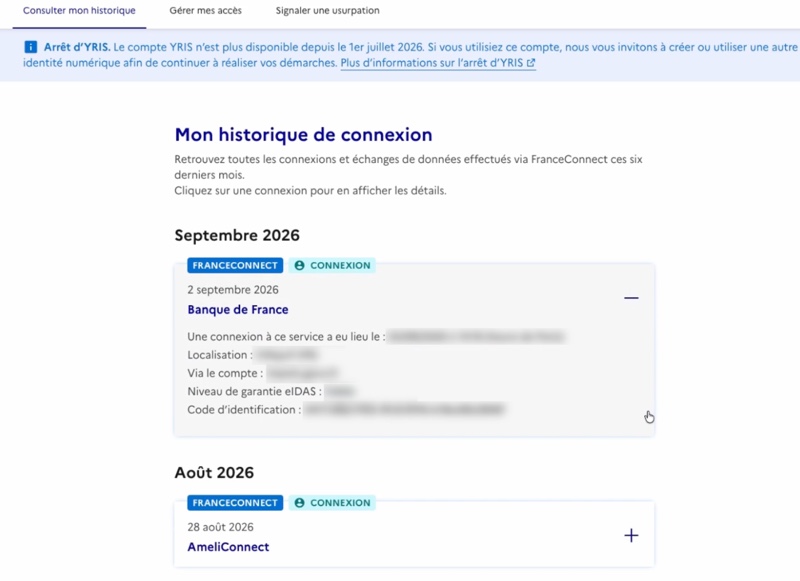
FranceConnect is the entry point for most online procedures: taxes, Ameli, France Titres, France Travail. The dashboard lets you review your login history for the past few months, including the account used and the service accessed. A login you do not recognize should raise an alert.
- FranceConnect dashboard: tableaudebord.franceconnect.gouv.fr
- Recommended habits from FranceConnect: aide.franceconnect.gouv.fr/faq/securite-confidentialite/quels-reflexes-adopter-pour-mieux-proteger-mon-identite/
Bank accounts opened in your name (FICOBA)
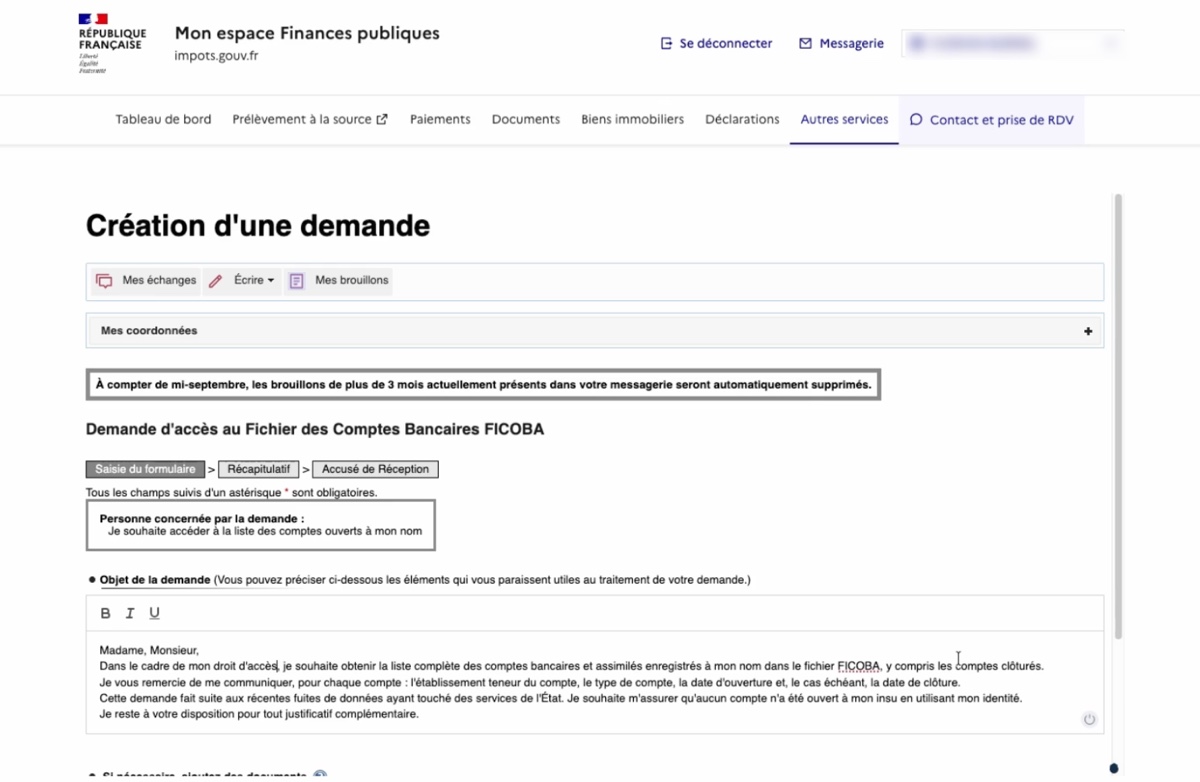
FICOBA is the national bank accounts file, managed by DGFiP. You are entitled to obtain the list of accounts registered in your name. The request is made from the secure messaging service in your personal space on impots.gouv.fr. I also recommend asking for closed accounts so you do not miss an account that was fraudulently opened and then closed.
- Request access to FICOBA: www.service-public.gouv.fr/particuliers/vosdroits/F2233
Loans and payment incidents (Banque de France)
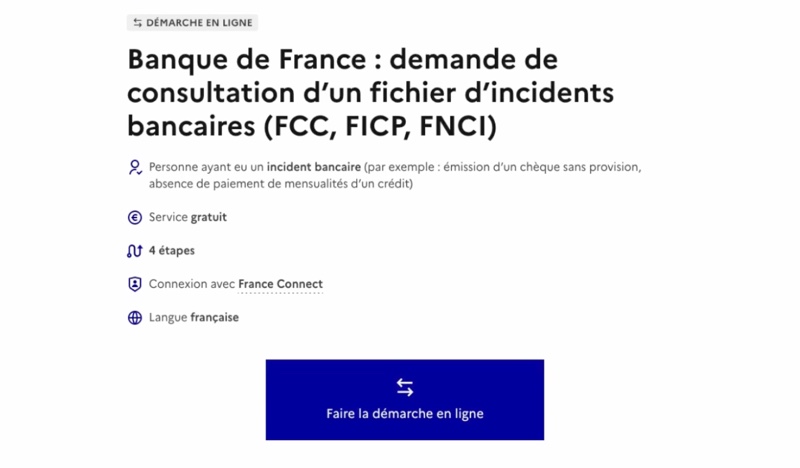
The Banque de France manages the FCC (cheques and cards) and the FICP (consumer credit repayment incidents). If a loan has been taken out in your name and is not repaid, you are the one who will be flagged. The request is made online, with an ID document. On the form, choose the subject "Fichiers d'incidents de paiement", then "Suis-je fiché(e) au FCC-FICP ?".
- FCC / FICP check: www.service-public.gouv.fr/particuliers/vosdroits/R62642
- What the FICP records: www.service-public.gouv.fr/particuliers/vosdroits/F17608
- Submit a request to the Banque de France: accueil.banque-france.fr/uti/#/accueil
Companies created in your name
Creating a company using a private individual’s identity is a known technique, later used to open a business bank account or incur debts. MonIdenum, the digital identity service for court clerks' offices, matches your identity against legal registers and tells you which businesses list you as a director. If you are not an entrepreneur, the expected result is "no company." An alternative (or complement) is to consult the business directory, without an account, to search by director name.
- MonIdenum: monidenum.fr
- Business directory: annuaire-entreprises.data.gouv.fr
Report a scam and file a complaint
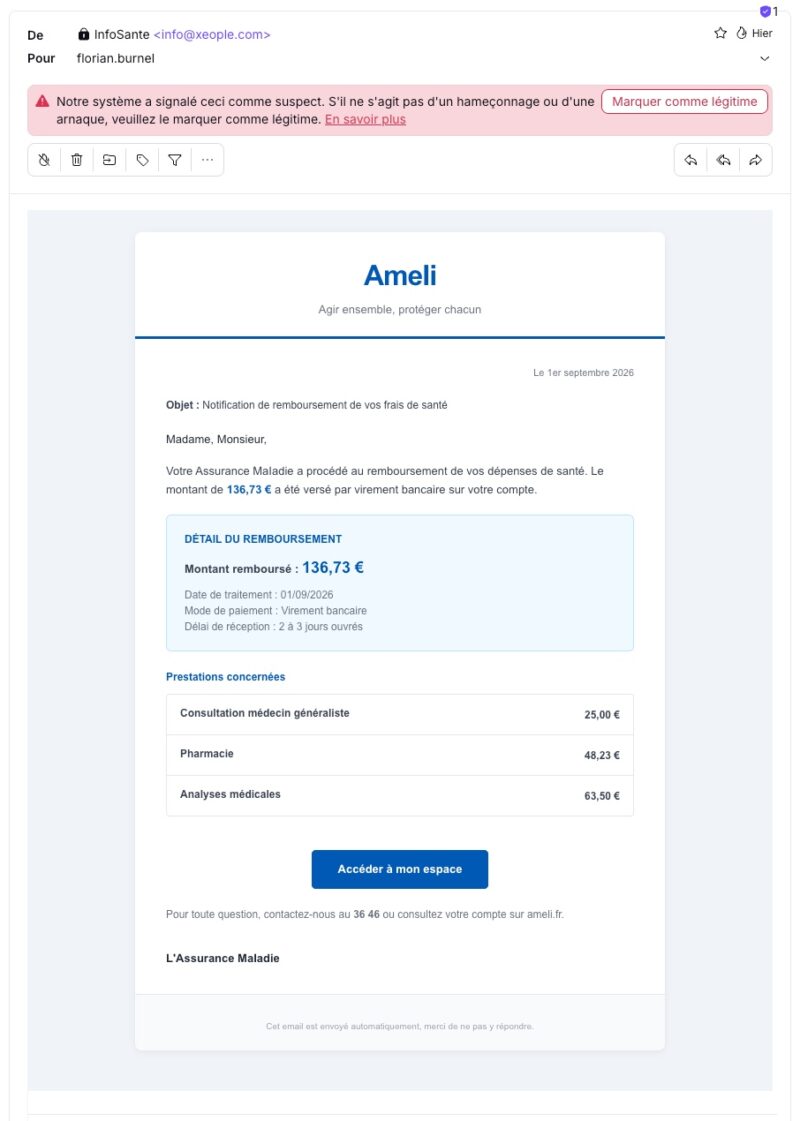
Stolen data also fuels targeted phishing campaigns, especially by email, SMS, or postal mail. Ameli account and Mon Compte Formation are two recurring targets. The two pages listed below describe ongoing scams and let you report an attempt.
- Ameli account scams: www.cybermalveillance.gouv.fr/tous-nos-contenus/actualites/hameconnage-assurance-maladie-ameli
- Report fraud on Mon Compte Formation: www.moncompteformation.gouv.fr/espace-public/comment-signaler-une-escroquerie-sur-mon-compte-formation
Below is an example of Ameli phishing.
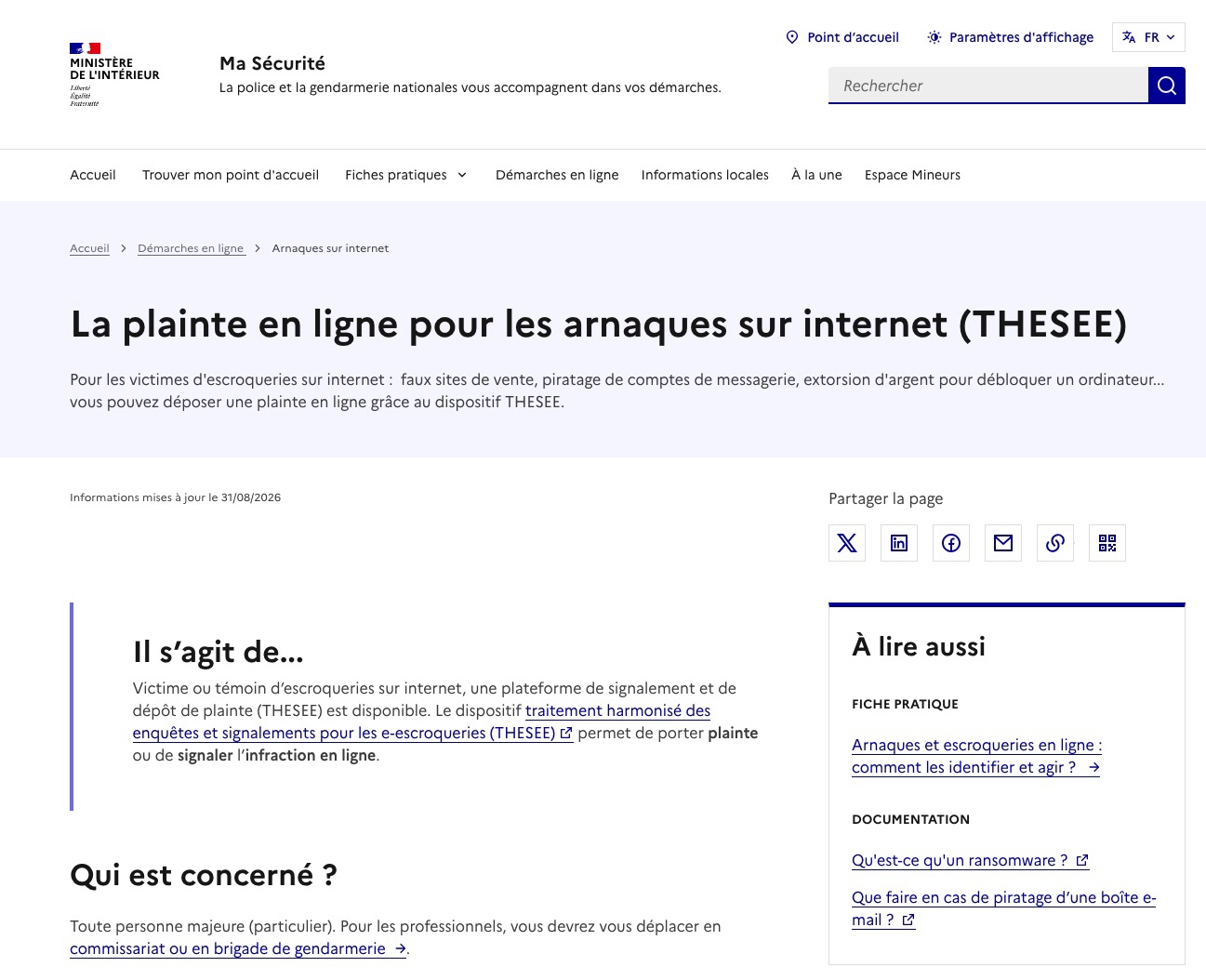
If one of these checks reveals an account, loan, or company you do not recognize, contact the organization involved and file a complaint. The complaint is the document that the bank, credit institution, or court registry will later require in order to take action. If the scam happened online, the THESEE platform allows you to file a complaint online. For other cases, go to the police station or gendarmerie.
- Cybermalveillance.gouv.fr, diagnosis and next steps: www.cybermalveillance.gouv.fr
- THESEE online complaint: www.masecurite.interieur.gouv.fr/fr/demarches-en-ligne/thesee-arnaques-internet-plainte-en-ligne
A reminder of a few best practices
I am taking advantage of this article to remind you of a few simple habits and best practices, especially to reduce the potential impact of a data breach.
- Multi-factor authentication : enable two-factor authentication wherever possible, starting with your email account, which receives the reset links for all your other accounts.
- Unique passwords: use a unique password for each service, with a password manager, so that credentials stolen from one site cannot be reused elsewhere.
- Watermarks on documents : add a watermark to copies of your identity documents before sending them, including the recipient’s name and the date. A watermark can be removed with an editing tool, but it reduces the resale value of the document and helps trace the source in the event of a leak (which is essential).
- When possible, avoid sending a scan: the France Identité app generates a one-time identity document
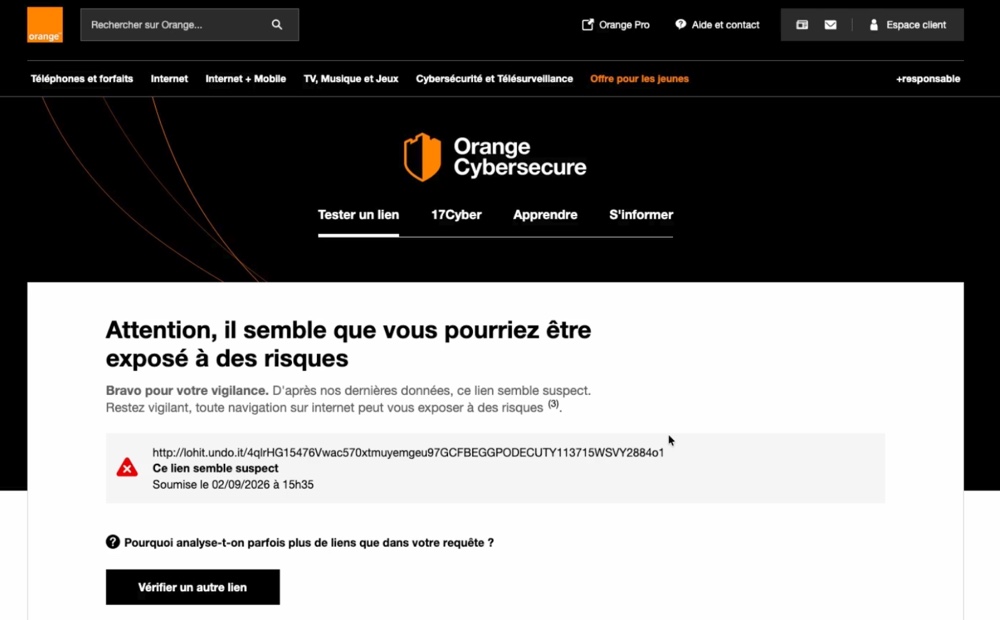
- Be careful with suspicious links: if in doubt about a link you received, do not click it and go directly to the official website. Orange offers a free tool to analyze a URL before opening it (already used to check more than 600,000 links). You can also rely on VirusTotal and PhishTank if you are a bit more experienced on the subject.
To complement this, here are the links to the useful resources:
- Official watermark: filigrane.beta.gouv.fr
- France Identité: france-identite.gouv.fr
- Check a suspicious link (Orange): cybersecurite.orange.fr
Final thoughts
These checks take less than half an hour in total. Do them once now, then repeat them in a few months: stolen data is not always used immediately. And do not hesitate to share this video with people around you who are less comfortable with these procedures.
And you, have you already done these checks?