 www.it-connect.fr

Windows 11 KB5094126 Breaks OneDrive Access in File Explorer
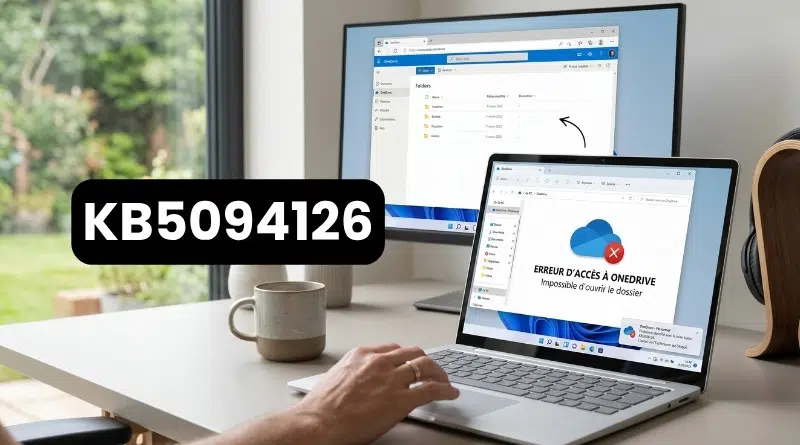
The KB5094126 cumulative update for Windows 11, released for Patch Tuesday de juin 2026, is causing trouble: on updated machines, the integrated OneDrive and SharePoint links in File Explorer no longer work. Is there a fix? Here is what we know.
OneDrive and SharePoint links are unusable in File Explorer
On Tuesday, June 9, 2026, Microsoft released its new mandatory updates for its operating systems, including KB5094126 for Windows 11 24H2 / 25H2. Soon after, many users ran into a problem: the SharePoint and OneDrive links in File Explorer stopped working. In other words, it is impossible to browse those locations from the Windows interface.
Several of you have reported this issue to me, including through comments on IT-Connect. There are also posts on Reddit and on the Microsoft forum about it. In every case, the same observation comes up: the problem appears on computers that received the KB5094126 update, corresponding to Windows 11 build 26200.8655.
Important detail: the issue is limited to the File Explorer integration through the sync client. In other words, and as you would expect, the online versions of OneDrive and SharePoint, accessed through a browser, continue to work normally. However, I do not know whether this bug affects only business accounts or all account types.
Possible ways to work around this issue...
All the usual troubleshooting steps have failed against this malfunction: resetting the OneDrive client, restarting the machine, or clearing the various caches. Nothing works.
As for Microsoft, there has been no communication about this issue. It is not listed on the update page, nor on the page where Microsoft tracks the known issues affecting Windows 11.
While we wait for a possible official fix, two options are available to affected users:
- Uninstall KB5094126: the problem should disappear immediately, but keep in mind that this removes the machine's June security fixes (and there are many of them).
- Manually create shortcuts in File Explorer, an alternative workaround identified by affected users that lets you keep the update.
"The only workaround is to create shortcuts in File Explorer," says one user on the Microsoft forum. I have not tested it, but this shortcut probably points to the local OneDrive sync folder (or SharePoint).
Have you noticed this issue on your machines since installing KB5094126? Feel free to share your feedback in the comments. Thanks to everyone who already has.











Was there any fix for this one ?