www.it-connect.fr

Outlook Classic Theme Arrives in New Outlook for Windows and Web
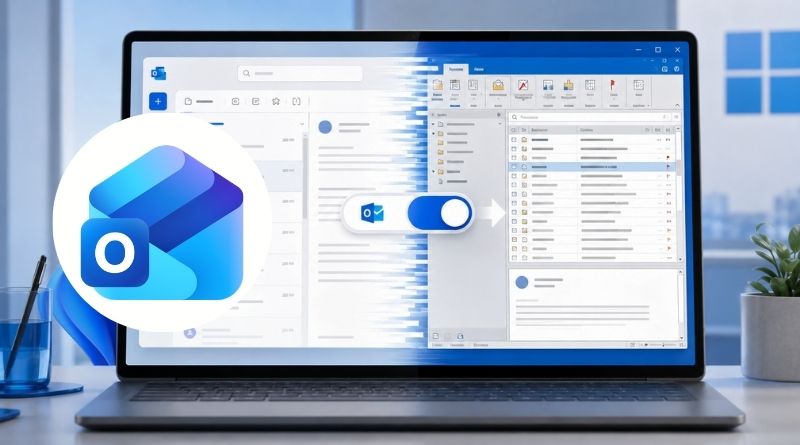
Microsoft has found a way to make you accept the new Outlook: make it look like the classic version. Indeed, Microsoft has started rolling out a "Classic Outlook" theme in the new Outlook for Windows and in the web version of Outlook. Enough to restore visual cues for users moving over from the legacy email client.
A visual theme, not a step backward
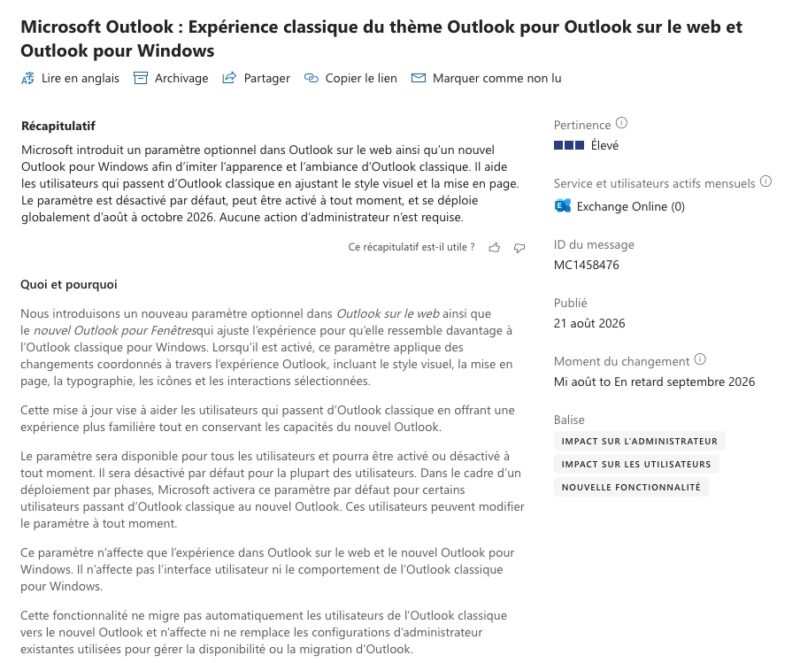
This new feature was announced through the Microsoft 365 Message Center, via message MC1458476. When this new setting is enabled, it "applies coordinated changes across the Outlook experience, including the visual style, layout, typography, icons, and certain interactions".
According to Microsoft, this is not just a matter of color, but a full theme change designed to realign the interface with classic Outlook. The Redmond-based company explains: "This update is designed to help users transitioning from classic Outlook by providing a more familiar experience while retaining the capabilities of the new Outlook".
Here is what is planned for managing this new feature:
- The setting is user-controlled, from Settings > General > Appearance, and can be turned on or off at any time.
- It will be off by default for most users. Microsoft will enable it by default for some users who have moved from classic Outlook to the new Outlook.
- The feature does not overwrite any existing configuration defined by an administrator.
- It does not trigger any automatic migration from classic Outlook to the new Outlook.
That last point is important: the theme changes the look, not the client.
A rollout stretching through the end of October 2026
Microsoft also shared the rollout schedule for this optional new theme. Deployment has already started in mid-August through Targeted Release, and by the end of October 2026, everyone will be able to benefit from it worldwide.
Could this theme be Microsoft’s way of getting you to accept the new Outlook? They are cunning... Indeed, the new Outlook, which replaced the Mail app as the preinstalled client on Windows 11 and then on Windows 10, is struggling to win over all users... Notably because it does not include all the features of the classic version. Microsoft is gradually closing that gap, as with support for PST export, which arrived long after this version launched.
In February 2026, Microsoft announced the delay of the corporate "opt-out" phase, initially scheduled for April 2026 and now set for March 2027. I wrote about this in my article on the fact that the new Outlook will not be imposed in enterprises before March 2027. Microsoft is giving itself time, and the means, to convince reluctant users.
What do you think — will this theme make it easier to adopt the new Outlook?