www.it-connect.fr

Microsoft Suspends KB5002907 After It Can Deactivate Office Licenses
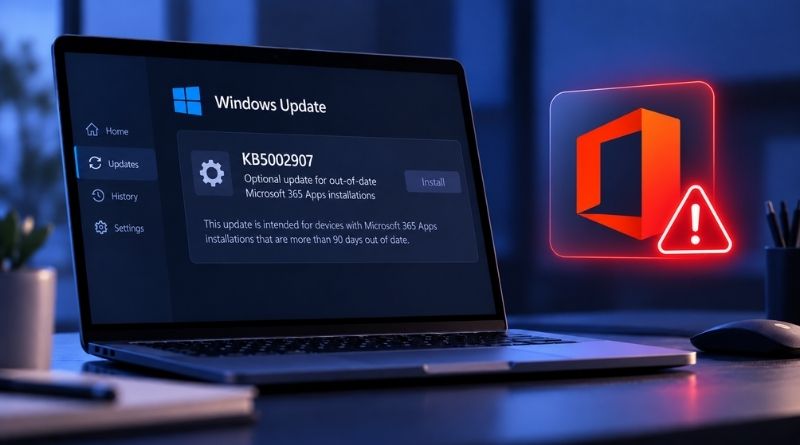
KB5002907 has been making headlines for several days now, and for all the wrong reasons. This optional update, meant to clean up Microsoft 365 Apps installations, has also targeted Office 2016 and Office 2019. It has caused widespread issues, so Microsoft has suspended the rollout of this update. Here’s what you need to know.
On paper, KB5002907 has a fairly reassuring title: Optional update for out-of-date Microsoft 365 Apps installations. According to the bulletin published by Microsoft, it is aimed only at Windows PCs whose Microsoft 365 apps are more than 90 days behind on updates, and which are on a specific channel (current channel or monthly enterprise channel). It is delivered through Windows Update and is optional: the user must choose to install it.
On paper as well, one might conclude that other Microsoft Office versions are not affected: Office 2016, Office 2019, Office 2021, and Office 2024. Yet the problems appeared on the two oldest versions. For the record, they are no longer supported since October 14, 2025, but they are still present on many PCs, especially in small businesses.
Licenses Deactivated, and Sometimes Office Removed Entirely
On several PCs running Office 2016 or Office 2019, the update was installed and caused chaos. In fact, installing KB5002907 has two unwanted side effects on affected machines:
- License deactivated: Office switches to an unlicensed product, so you have to re-enter the product key or sign in with a Microsoft account to select the license. This is the most common case.
- Office removed: the update appears to uninstall and then reinstall the Office suite installed on the PC. If the reinstallation fails, the workstation ends up without Office. Microsoft says this second scenario is rare.
There have also been reports on the Microsoft Q&A forum, and this seems to be keeping the support teams busy... For its part, Microsoft has decided to suspend this update: "To avoid affecting more devices, we have suspended the rollout of this update.", the company says. The Redmond firm also acknowledges that the repair action applied by the update left some PCs without a working version of Microsoft 365 Apps or Office. Quite ironic.
The remaining question is why an update intended for Microsoft 365 Apps landed on PCs running an Office version tied to a perpetual license. The affected systems did not have Microsoft 365 Apps installed alongside it: the two are not supposed to coexist on the same machine. Still, it is highly likely that these Office versions share components, which disrupted the detection mechanism meant to determine whether the update was needed. Fortunately, Office 2021 and Office 2024 appear to be unaffected.