www.it-connect.fr

Fake IT Support on Teams: Malware Hits Victims in Under 15 Minutes
Less than 15 minutes was all it took between a malicious call on Microsoft Teams and the user's machine being infected by malware. That's the finding of a new investigation by Arctic Wolf Labs after analyzing more than 400 incidents of this type. Here's what you need to know.
On October 26, 2026, Shubham Dubey, a researcher at Arctic Wolf Labs, published a report focused on the abuse of Microsoft Teams external chat. His analysis, based on more than 400 incidents observed among Arctic Wolf customers, does not involve the exploitation of any security flaw in Teams. In every case, attackers abused a legitimate feature: external access. This feature, enabled by default, allows a user from another Microsoft 365 tenant to contact your employees, provided both tenants permit it.
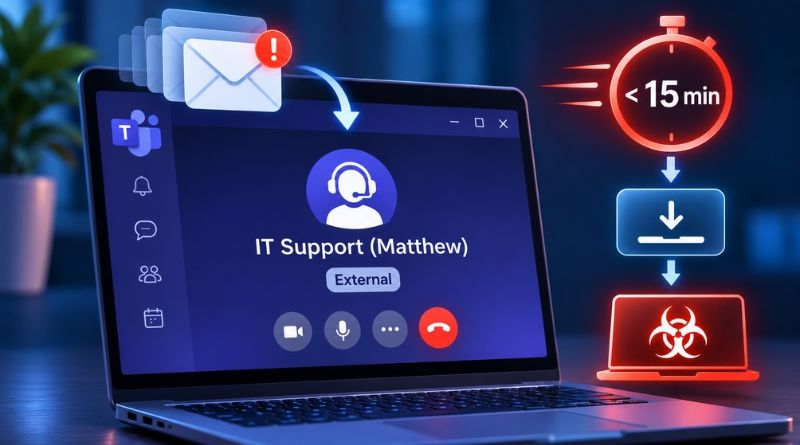
The attack workflow is as follows: the victim's inbox is first flooded with hundreds of newsletter sign-ups (the email bombing phase). Shortly after, a fake technician contacts them on Teams to fix the problem... which they created themselves! They play the hero, and it still works today, even though this technique has been in use for at least two years (see this article).
"A consistent pattern in attacker behavior emerged across these incidents: the same disposable tenants, the same display names like 'IT Support (Internal)', the same remote access tools and, increasingly, the same domains for payloads.", Shubham Dubey notes.
Fake technicians and .top domains
In 30 to 40% of cases, the attacker does not make much effort with the domain name used, since they rely on the default onmicrosoft.com domain, which requires no verification, with names such as helpdeskteam365 or itcoreportal. But the current trend is moving toward paid domains, about half of which use .top.
What really makes the difference in tricking the user, however, is the display name:
- The suffix "(Internal)": it makes the message look internal, even though Teams simultaneously shows the "External" label.
- A reassuring first name: "IT Service Desk (Matthew)" or "IT Support (Scott McGhee)", to mimic a real colleague.
- The target's language: "Supporte TI" for French-speaking or Spanish-speaking organizations. Yes, the translation is poor here, but the intent is obvious.
- Emojis: more than a hundred occurrences, which could suggest that generative AI was used to create these identities.
These attacks are likely automated, because within a few minutes several users can be targeted. Once contact has been established with the victim, the fake technician pushes them to switch to a Teams voice call (vishing) in order to launch a remote access tool. Which one, you may ask? First there is Quick Assist, which has the advantage of being built into Windows (it comes up first), and other tools such as AnyDesk, ScreenConnect or TeamViewer.
Then things can move very quickly. Once the victim has responded, the malicious payload can be executed in less than 15 minutes, according to cases reported by Arctic Wolf customers. Kerberoasting alerts sometimes appear at the same time as the Teams alert. When they want to stay in place for the long term, attackers add an RMM tool, which survives the cleanup of the initially dropped malware.
When asked by Alexander Culafi of Dark Reading, Justin Moore, vice president of adversary operations at Arctic Wolf, estimates that about 15% of cases have resulted in a compromise. He remains cautious about attribution. "Activity associated with Black Basta remains one of the main drivers of Teams chat abuse." he says. He adds that he has recently observed campaigns combining this abuse with ClickFix-style social engineering.
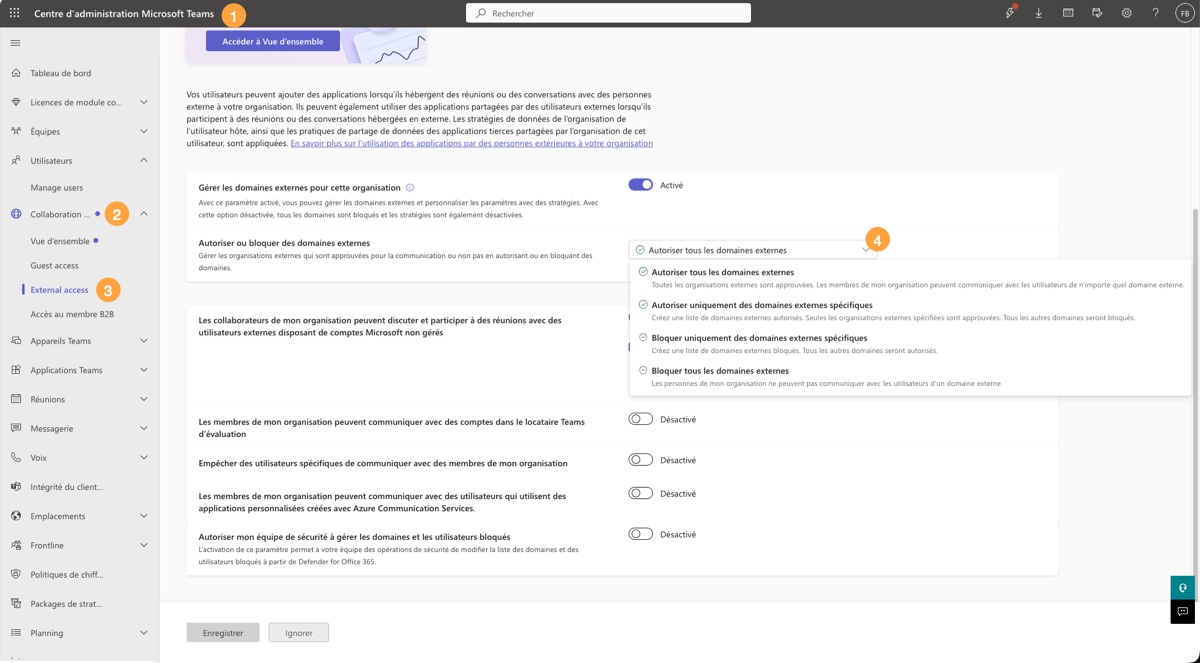
To protect yourself, the main recommendation is to take the Teams external access configuration seriously at the Microsoft 365 admin center level. In particular, you can restrict which domains are allowed to contact you externally, which lets you define your partner list.