www.it-connect.fr

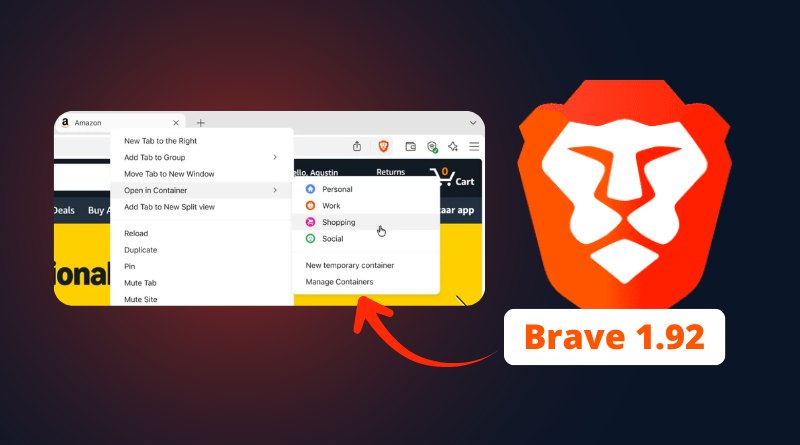
Brave 1.92 Adds Native Containers for Multi-Account Browsing
Session management gets a boost with Brave 1.92, released on July 2, 2026! The browser now includes native Containers: a feature that isolates tabs so you can stay signed in to multiple accounts on the same site without ever mixing sessions. No third-party extension required. Here’s what you need to know.
Isolated tabs, multiple identities on the same site
The idea behind Containers can be summed up in one sentence: each tab lives in its own bubble. Its cookies, local storage, and site data stay confined to a specific container. The benefit is that you can open two accounts on the same website in parallel, without the sessions interfering with one another.
No need to rely on a private browsing session or a third-party extension anymore, it’s built in. It ships with Brave 1.92 on all three desktop platforms (Windows, macOS, and Linux). One detail worth knowing: according to Brave, rollout happens in waves over several days, so if the option doesn’t appear right after the update, give it some time to show up.
In terms of use cases, Brave is aiming at professionals and power users:
- The social media manager who has to juggle several social media accounts at the same time (or you with your fake Facebook account, I see you),
- The developer testing an app with one tab logged in as admin and another as a regular user,
- The employee who wants to separate personal and work activity on the same service (YouTube, for example).
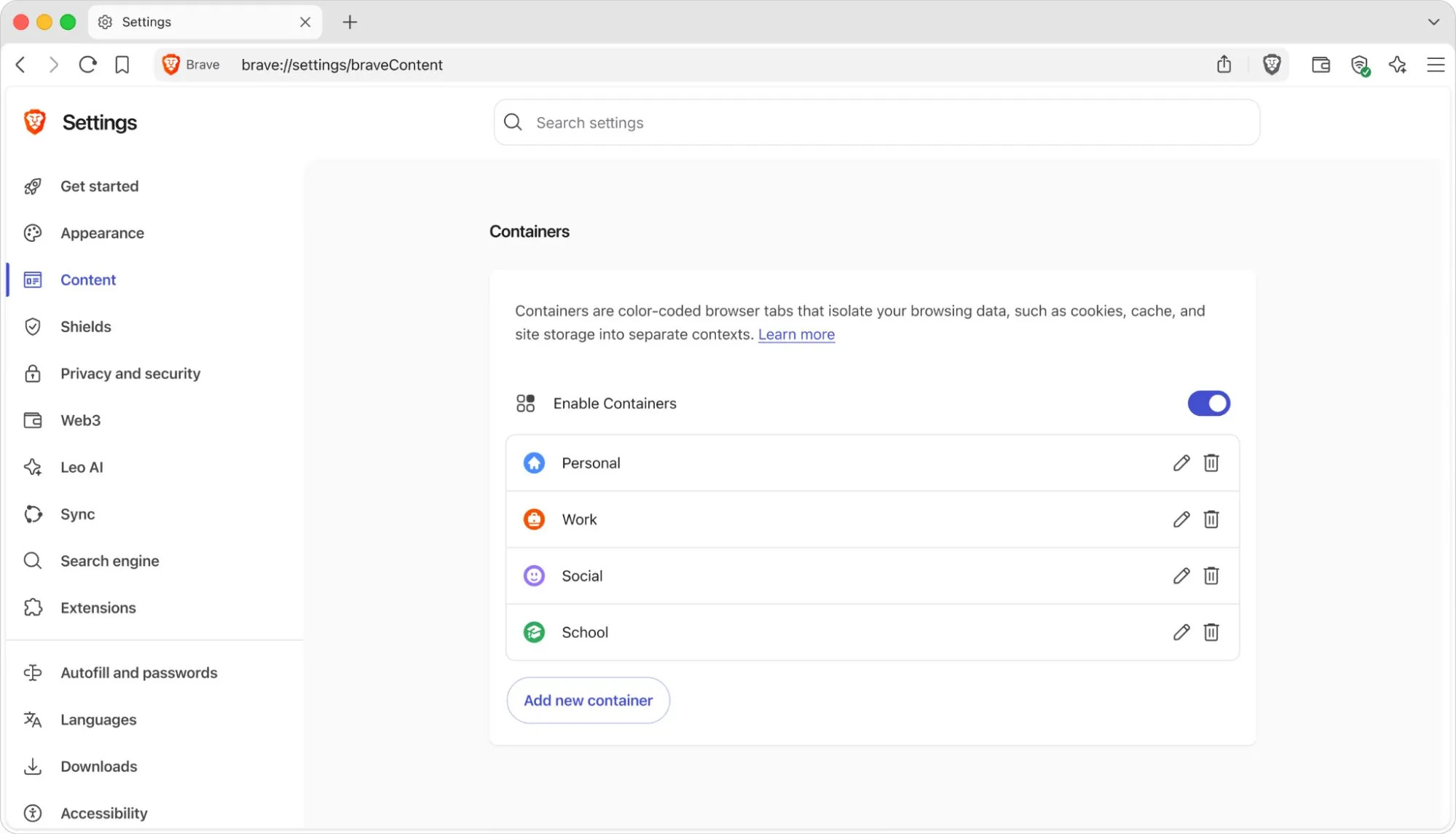
You can enable it in Settings at brave://settings/braveContent by checking the dedicated option. Then, in practice, you need to right-click a tab, choose the "Open in a container" option (translation to be confirmed, I haven’t seen the option yet), and select one of the predefined categories: Personal, Work, Social, School, or Shopping. Each container keeps its own sessions and data, without juggling multiple profiles or reaching for private browsing.
Comfort first: no new anti-tracking layer
Brave presents Containers as a productivity and identity-management tool, not as a new privacy protection feature. Why? Because the browser already applies storage partitioning by default, a mechanism that isolates each site’s data and its third-party requests. This prevents advertisers and trackers from following users from one site to another via third-party cookies. The anti-tracking building block has therefore already been in place in Brave for a long time.
An evolution that brings Brave closer to multi-account workflows, without sacrificing its long-standing privacy focus. What do you think of this new feature?
Sources : official Brave announcement